Shure Incorporated
13/16
The following methods can be used to allocate control pins:
• One-to-One: Use one pin for each preset. starting at Pin 1, and proceeding toward the right. You MUST use
consecutive pins, Connect momentary or latching switches.
• Shure DRS10 Switch: Use Pin 1 for up to 10 presets.
• Custom Switch: Use Pin 1 for up to 10 presets.
• Binary: Use the pin numbers listed in Table 3. Connect latching switches.
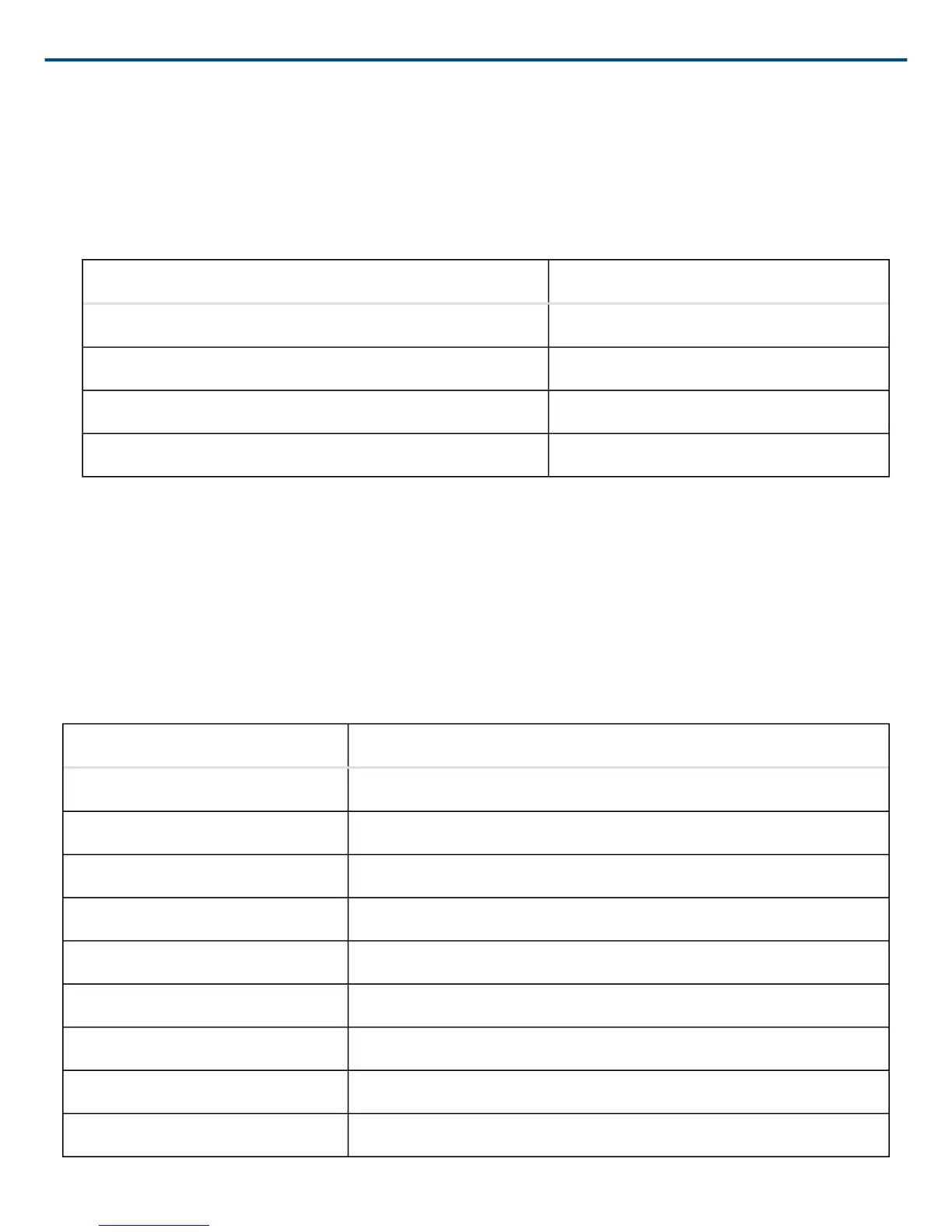
Table 3. BINARY CONTROL PIN ALLOCATION
Number of Presets Pin Numbers
2 1
4 1 and 2
8 1-3
16 1-4
Preset Control Connections
Various types of control hardware can be connected to the Control Input pins, as shown in Figure 14. When prop
erly configured, the DFR22 changes to the appropriate preset in response to the switch. Resistor values for cus
tom switches and the Shure DRS10 are listed in Table 4.
The total resistance of the cable run, from the switch to the DFR22, should be less than 100 Ω. Twoconductor, un
shielded cable, such as a Belden 8442, is recommended.
Table 4. CUSTOM SWITCH RESISTOR VALUES
Preset Resistor Value
1 97 kΩ ∞ Ω
2 4460 kΩ
3 2632 kΩ
4 1720 kΩ
5 11.313.6 kΩ
6 7.89.3 kΩ
7 5.26.3 kΩ
8 3.34.1 kΩ
9 1.92.5 kΩ


 To Next Page