4
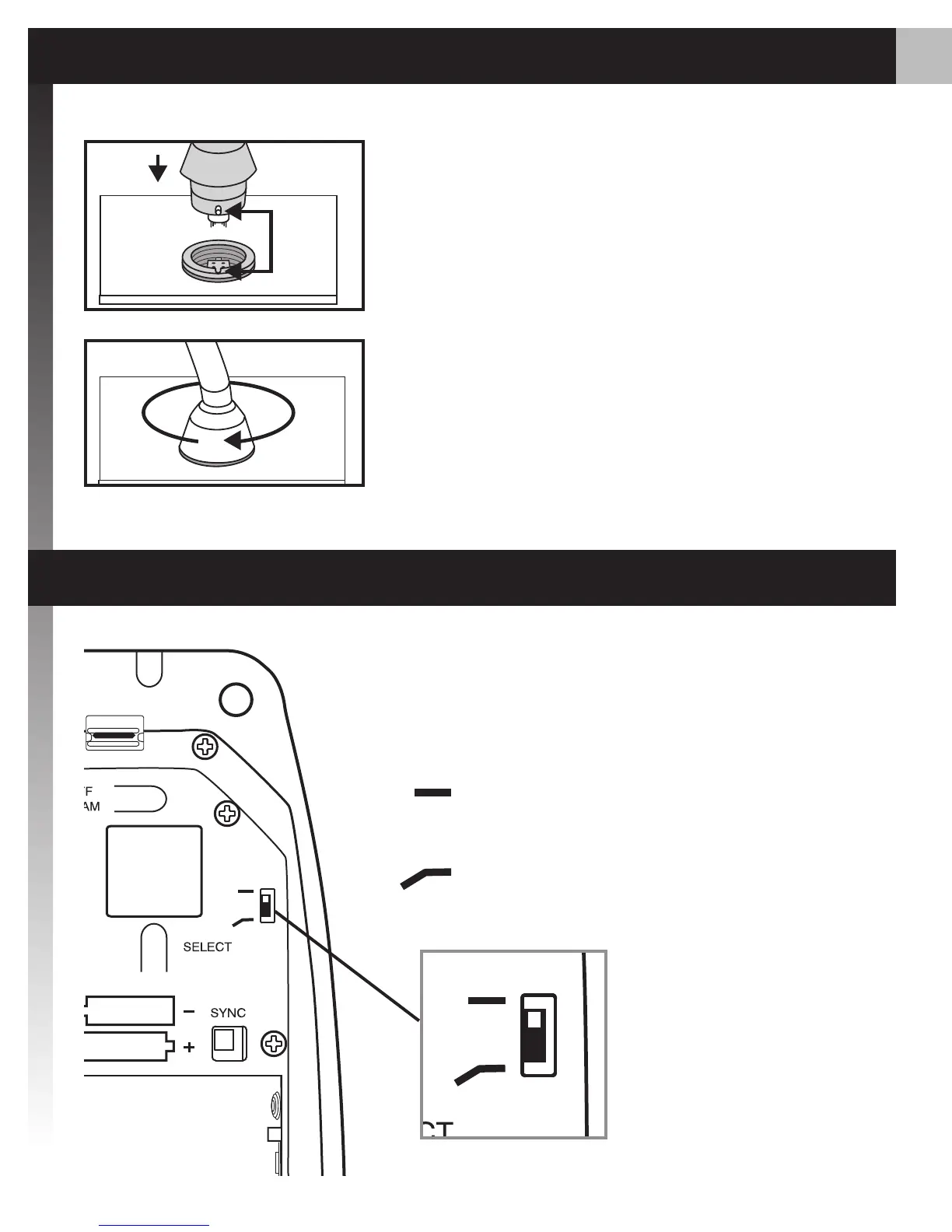
The low-cut lter attenuates frequencies
below 150 Hz by 6 dB per octave.
Low-Cut Filter
Filter disabled (as supplied)
Low-cut lter
Connecting Gooseneck
Align the pin on the microphone 1.
ange with the slot on the desktop
base.
Insert the gooseneck into the
2.
desktop base and lock it in place
by rotating the gooseneck sleeve
clockwise.














 To Next Page