7
Mute Button
The mute button can be congured for toggle or momentary
operation.
Toggle (as supplied)
The PUSH button toggles the microphone between active and
muted states.
NOTE: The microphone always powers up in the active state.
Momentary
There are two types of momentary operation:
Push-to-Mute: The microphone is muted only while the button is
pressed and held.
Push-to-Talk: The microphone is active only while the button is
pressed and held.
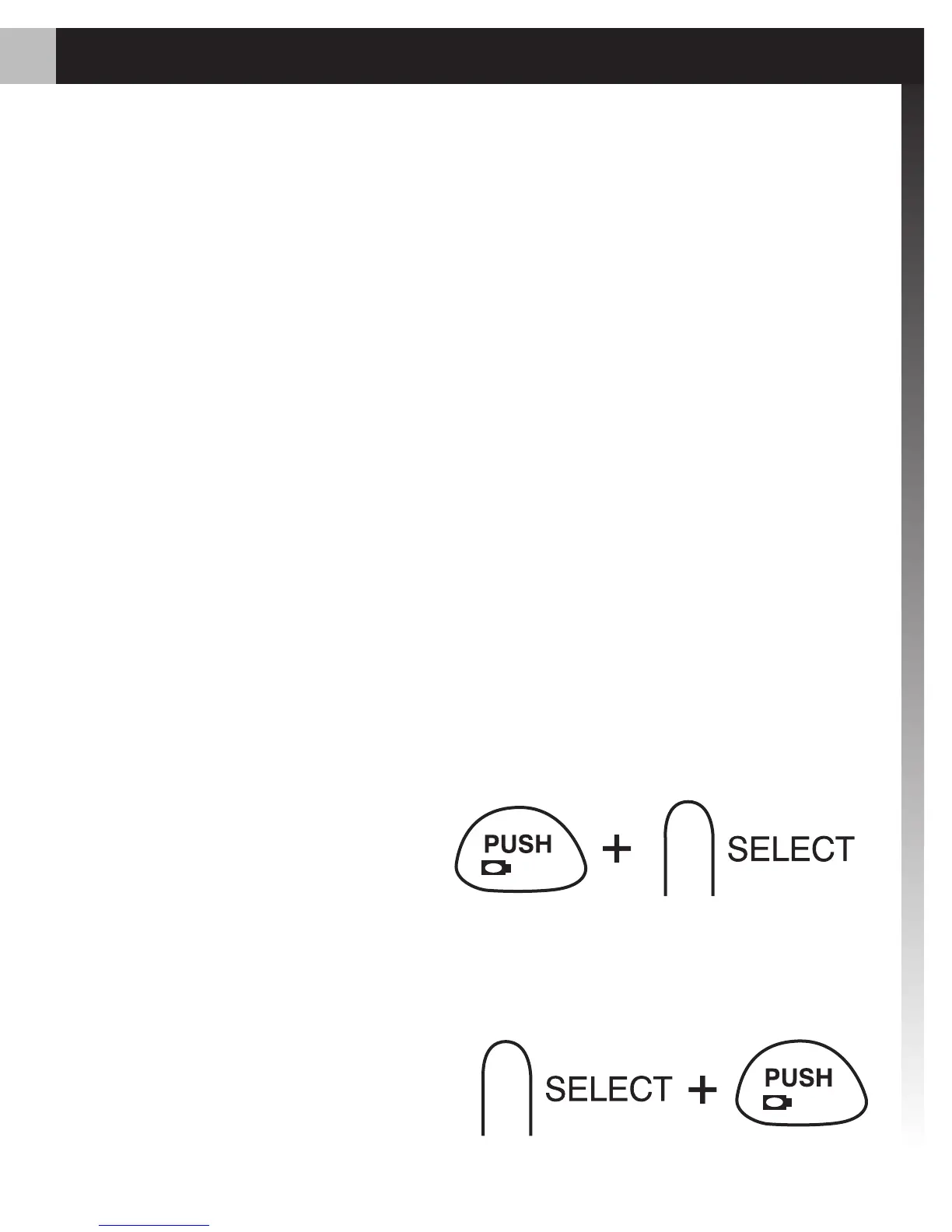
To change between toggle and momentary:
Hold the PUSH button and
press the SELECT button.
(Test the microphone to
conrm the change.)
To change between push-to-talk and push-to-mute:
Set the button for
1.
momentary operation.
Hold the
2. SELECT button
and press the PUSH button.
Hold
Hold














 To Next Page