Shure Incorporated
7/31
5.
◦
◦
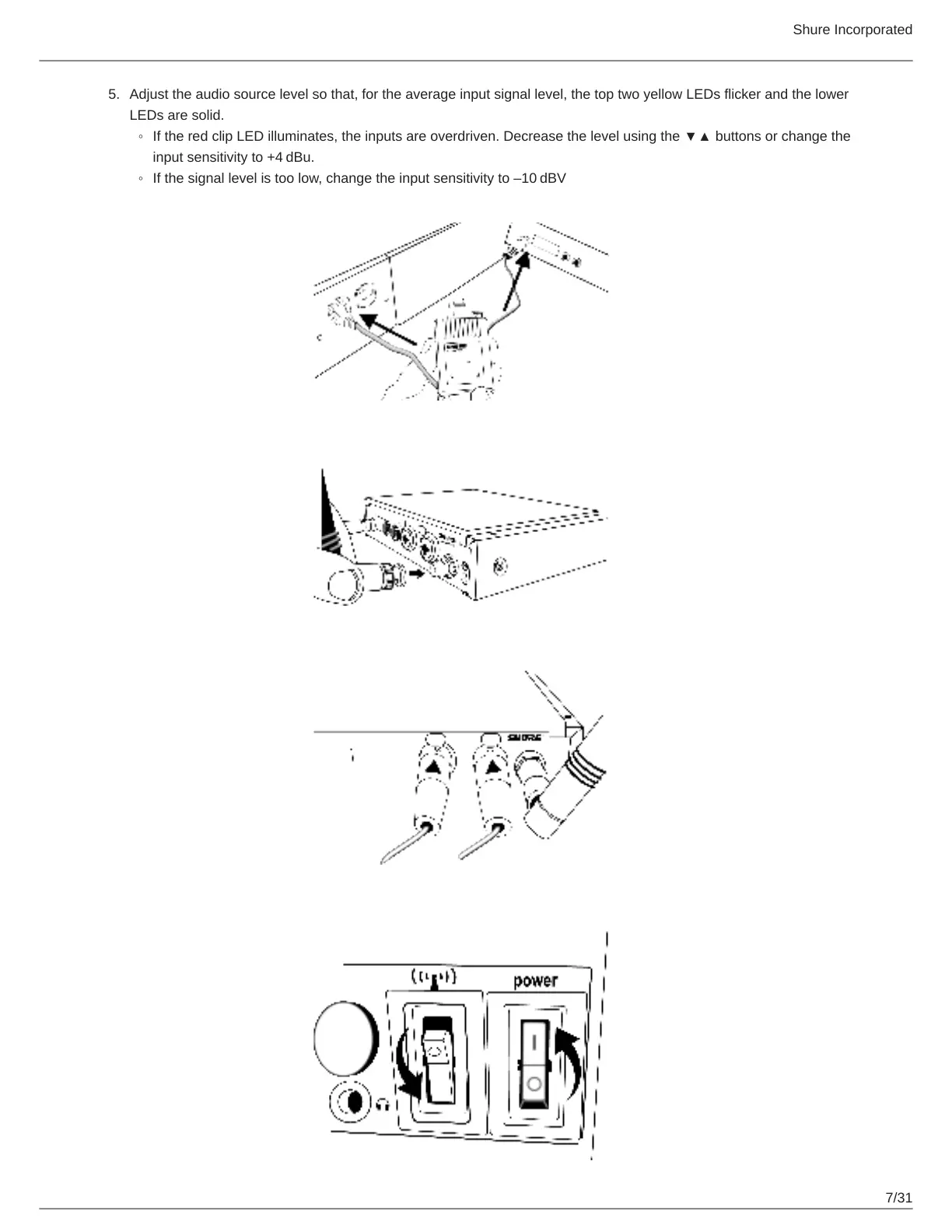
Adjust the audio source level so that, for the average input signal level, the top two yellow LEDs flicker and the lower
LEDs are solid.
IftheredclipLEDilluminates,theinputsareoverdriven.Decreasethelevelusingthe▼▲buttonsorchangethe
input sensitivity to +4 dBu.
If the signal level is too low, change the input sensitivity to –10 dBV



 To Next Page