9
Setting the Receiver to a Frequency from the
Spectrum View
1. Usethespectrummenutodisplayfullscanresults(RADIO>FULL SCAN>
SPECTRUM).
2.
Movethecursortothedesiredareaofthespectrum,usuallyonewiththeleast
amountofinterference.
3. Zoomintothe1MHz-wideviewusingtheenterbutton.
4. Pressscan.Thefrequencyisdisplayedwiththefollowingprompt:Enter to Set?.
5. Pressentertosetthereceivertothediplayedfrequencyandreturntothehome
screen.
Manual Frequency Selection
Tomanuallyadjustgroup,channelorfrequency,usetheRADIO>SET FREQ
menu.
Squelch
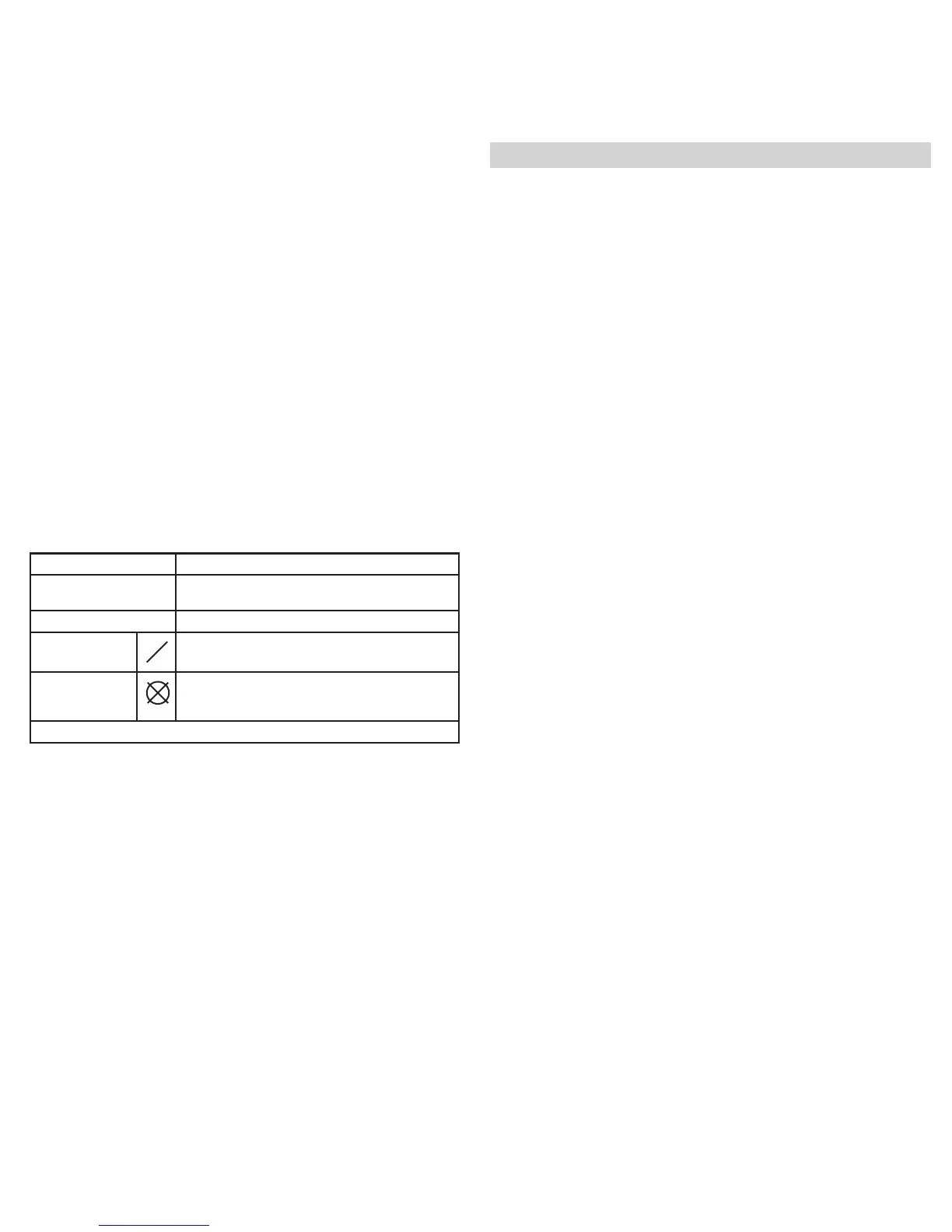
SquelchmutestheaudiooutputfromthereceiverwhenthetransmittertonekeyRF
signalbecomesloworinthepresenceofhighRFnoise.Whilesquelchisactivate,
theblueLEDontheportablereceiverturnsoff.
WARNING:AdjustingthesquelchcannegativelyaffectRFandaudioperformance.
UsethedefaultsettingHIGH (NORMAL)unlessabsolutelynecessary.
Squelch Settings
HIGH (NORMAL) Defaultfactorysetting.
MID Moderatelydecreasesthesignal-to-noiseratiore-
quiredtosquelchthereceiver.
LOW Greatlydecreasesthenoisesquelchthreshold.
HIGH NO TK* Highsquelchwithoutatonekey.
NO SQUELCH* Turnsoffnoiseandtonekeysquelch.(Usedasa
debuggingtoolbyengineersorRFcoordinatorsto
“listen”totheRFenvironment.)
*Symbolappearsindisplaywindow.
Other Settings
Receiver Label
Tochangethenamedisplayedonthehomescreen,usetheUTILITIES>RX NAME
menu.Usethe▼▲buttonstochangeeachcharacter.Pressthescanbuttontomove
thecursortothenextcharacter.Pressentertosavethename.
LCD Screen Display Settings
Home Screen
ChangetheappearanceoftheLCDfromthedisplaymenu(SYST CONF>
DISPLAY).
Usethe▼▲buttonstopreviewthedifferentwaysofdisplayinginformationonthe
homescreen.Pressentertoaccepttheselection.
Contrast
ChangethecontrastoftheLCDfromthecontrastmenu(SYST CONF>
CONTRAST).
Usethe▼▲buttonstosetthedesiredcontrast.
Lock Panel
LocksUR5Controls(UTILITIES>LOCK PANEL).
Selectandpressenter.
Restore
ResetsUR5tofactorydefaultparameters(SYST CONF>RESTORE).
Selectandpressenter.



 To Next Page