12
English
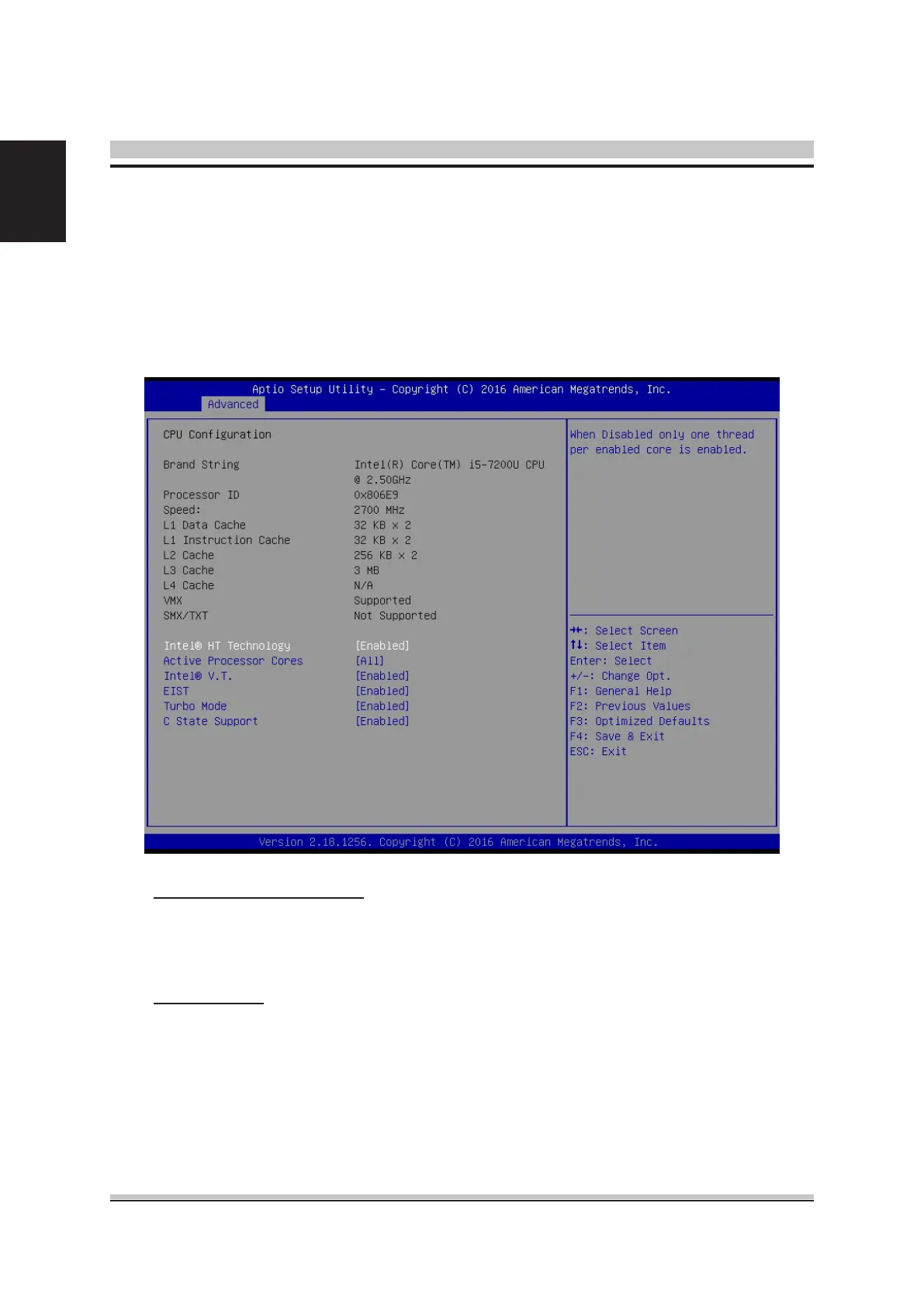
You can use this screen to select options for the CPU Conguration Settings. Use the
up and down <Arrow> keys to select an item. Use the <Plus> and <Minus> keys to
change the value of the selected option. A description of the selected item appears
on the right side of the screen. The settings are described on the following pages. An
example of the CPU Conguration screen is shown below.
CPU Conguration
Active Processor Cores
This item allows you to determine how many cores to be enabled.
The choice: All,1,2,3.
Intel (R) V. T.
When enable, a VMM can utilize the additional hardware capabilities provided
by vanderpool Technology.
The choice: Enabled , Disabled.
This item allows you to enable or disable CPU C State.
The choice: Enabled , Disabled.















 To Next Page