- 37 -
Setting the databar, “Shown/Hidden”.
4.3. Position
▶[MENU]->Advance->Setup->Customizing->Databar->Position
Setting the databar position on the top or bottom.
5. Cursor
5.1. Calling the cursor
Press [◀][▶][▼][▲] on the chart, the cursor comes out.
5.2. Moving
Press [◀][▶][▼][▲], the cursor is moving to the direction.
Press [◀][▼] together, the cursor is moving to “↙”.
Press [▶][▼] together, the cursor is moving to “↘”.
Press [◀][▲] together, the cursor is moving to “↖”.
Press [▶][▲] together, the cursor is moving to “↗”.
5.3. Removing the cursor
Press to remove the cursor.
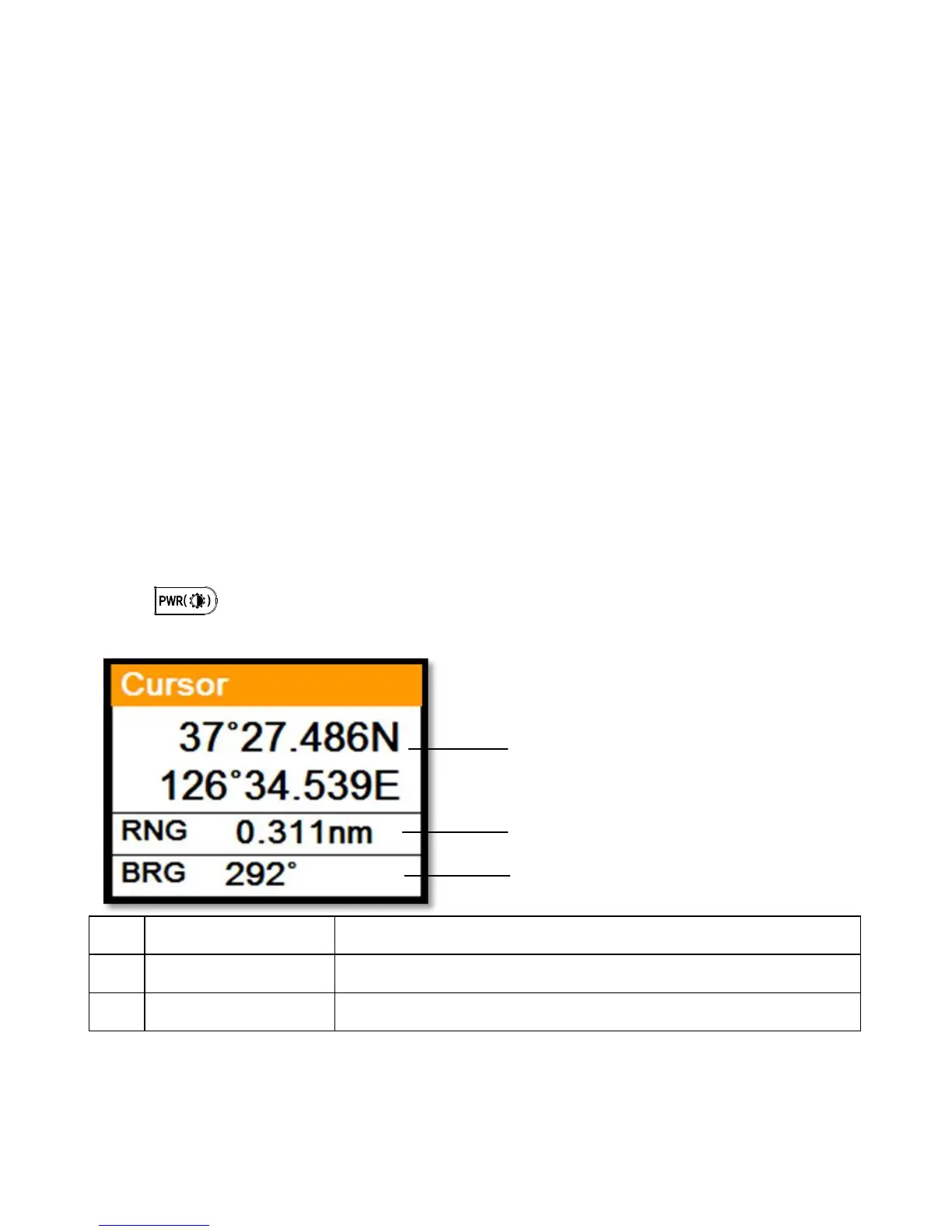
5.4. Cursor information window



 To Next Page