- 38 -
Cursor information window “Shown/Hidden”.
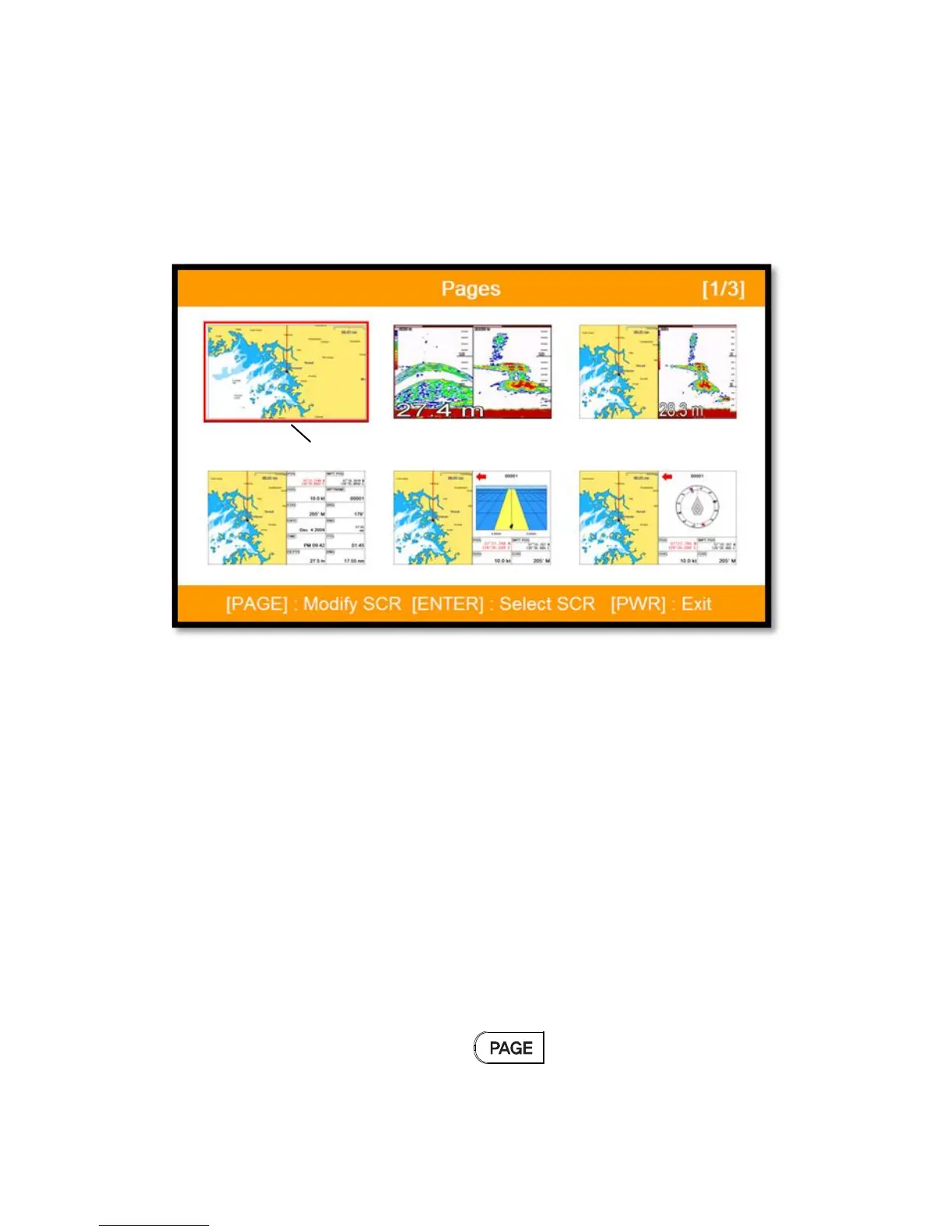
6. Page
▶ [PAGE]
Choosing the various pages that set up pages or customized.
Move the red box to choose the page.
(Fig.1.3)
6.1. Page mode
▶[MENU]->Advance->Setup->Customizing->Page mode
Two ways to choose the page.
6.1.1. Standard
With seeing the set up page, choosing the page or modifying.
6.1.2. Flip
Showing the set up pages in order.
(* In Flip mode, modifying the order is available.)
6.2. Modify
After choosing the page in (Fig1.3), keep pressing until the window comes out as
(Fig.1.3.1).



 To Next Page