- 51 -
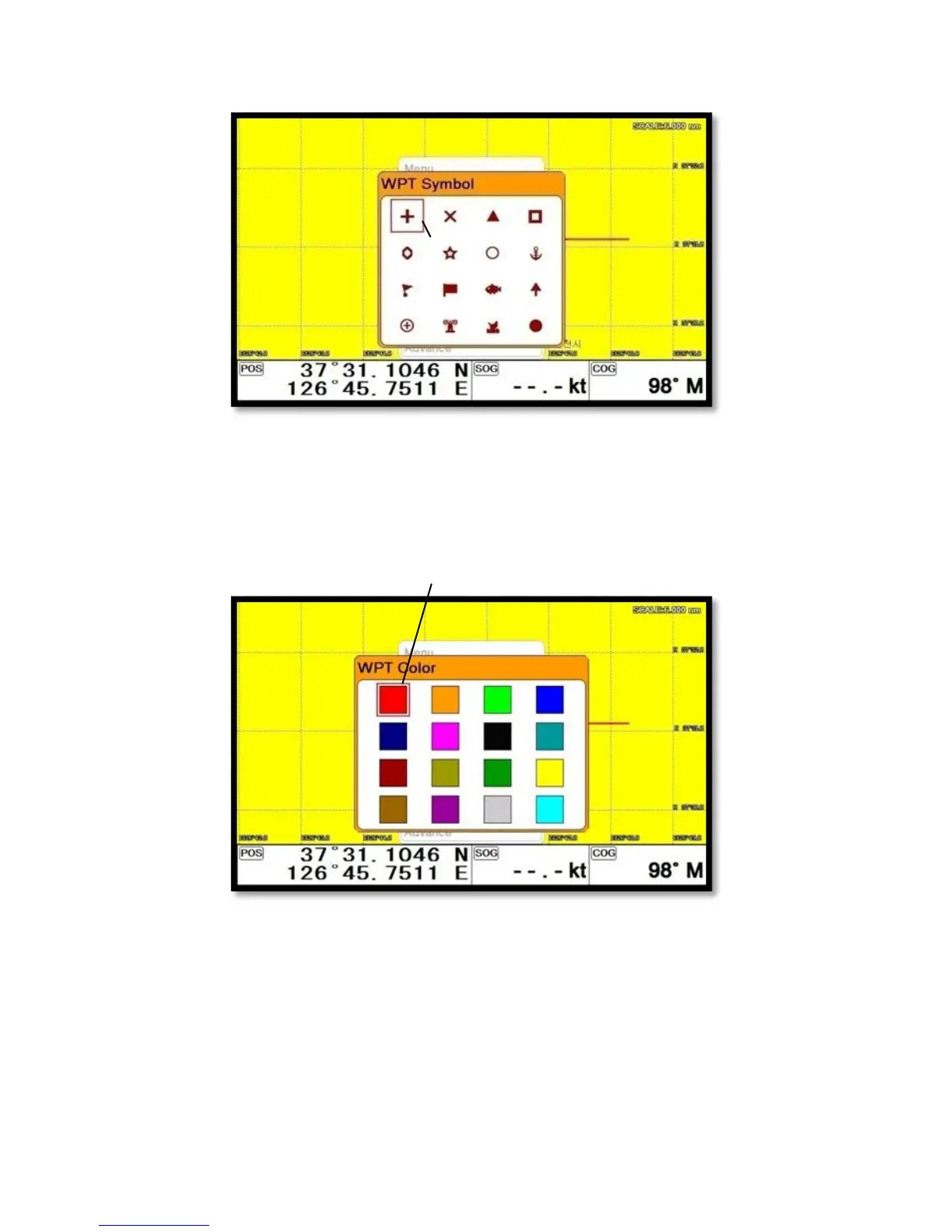
▶[MENU]->WPT Symbol
Choose the symbol and press [ENTER].
The chosen symbol will show when inputting WPT.
2.3. Setting WPT Color
▶[MENU]->WPT Color
Choose the color and press [ENTER].
The chosen color will show when inputting WPT.
2.4. Creating
2.4.1. Creating on the list
▶[MENU]->Userdata->WPT->List->[+]



 To Next Page