- 52 -
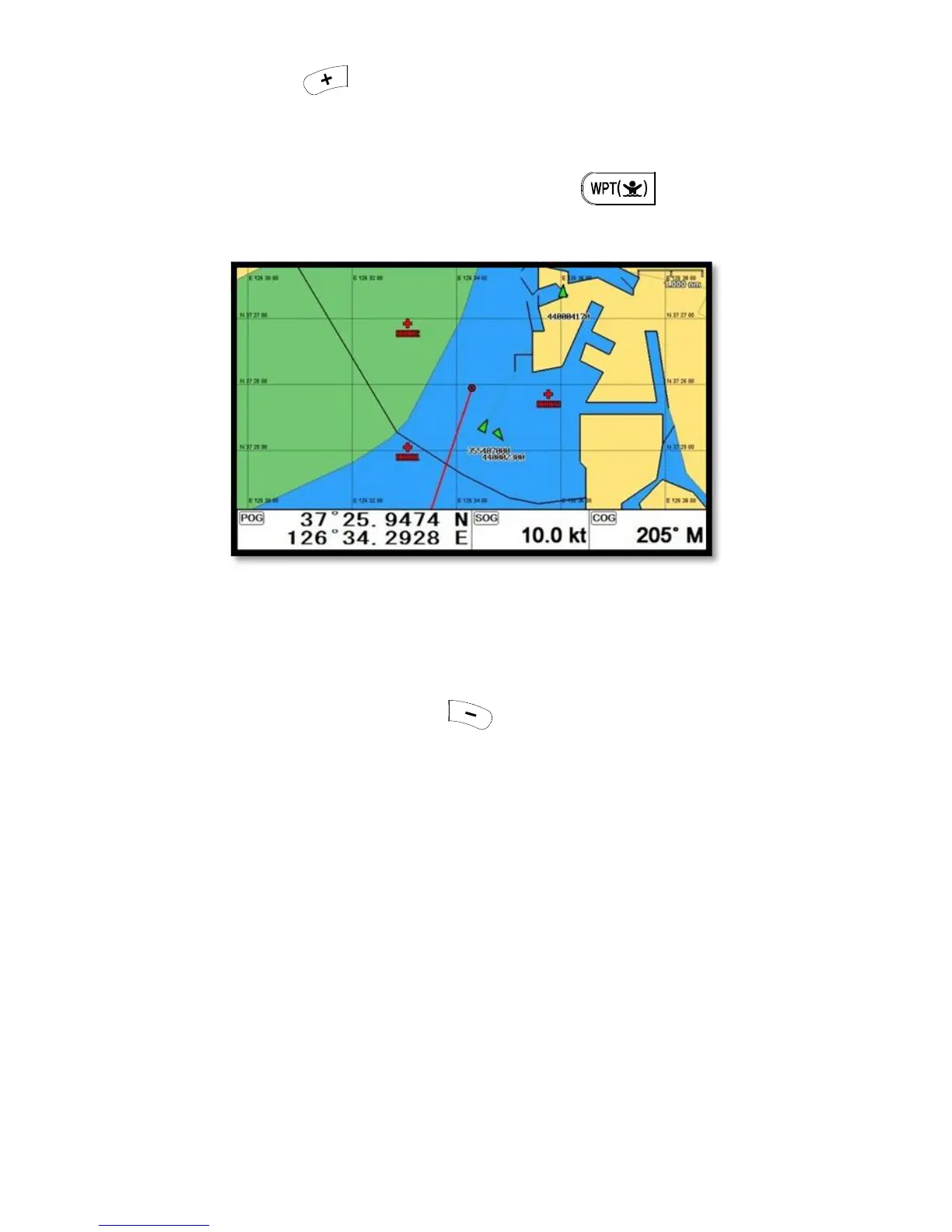
Adding WPT with pressing .
(*When adding, LAT/LOT show the present position and current symbol/color show for the WPT)
2.4.1. Inputting on the chart
Call the cursor and move the position where you want, and press .
(*The current symbol/color show for the WPT)
2.5. Erasing
2.5.1. Erasing on the list
▶[MENU]->Userdata->WPT->List->[-]
Choose the WPT you want to erase and press .
2.5.2. Erasing on the chart
Call the cursor and put it on the WPT, and press [ENTER].


 To Next Page