- 53 -
2.6 Erasing all of WPT
▶[MENU]->Userdata->WPT->List->[PAGE]
On the WPT list, press .
2.7. Moving the WPT
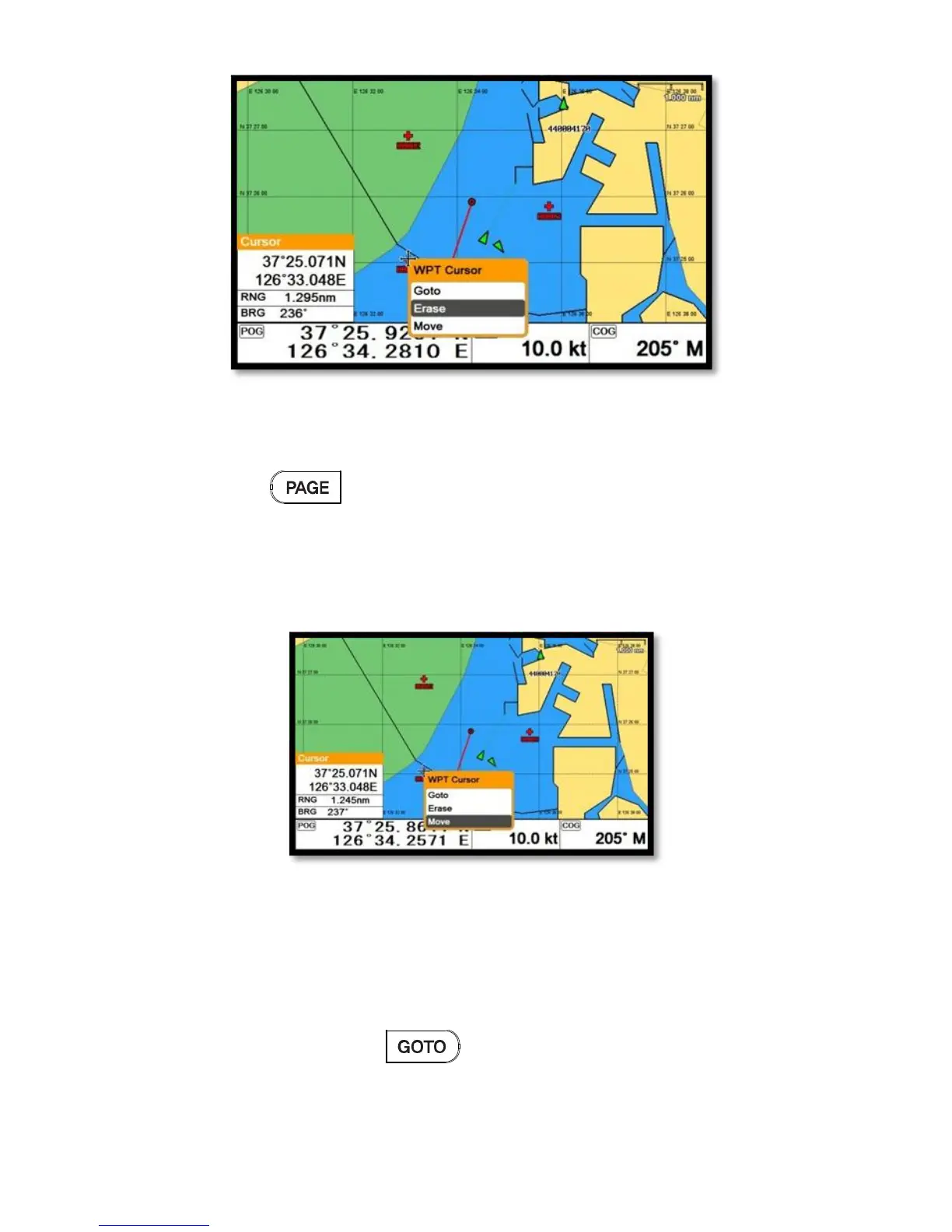
1. Call the cursor and move it on the WPT, and press [ENTER].
2. Choose “Move”.
3. Move the WPT to the position where you want to move, and press [ENTER].
2.8. Navigating
2.8.1. Navigating on the list
▶[MENU]->Userdata->WPT->List->[GOTO]
Choose the WPT on the list and press .
2.8.2. Navigating on the chart



 To Next Page