5.3.2. Control and display units
The control and display units are the following:
a symbol display of operation modes, parameters and measurement
results and a four-key keyboard.
The display is used to show the tool's operation modes, to control the
input of initial parameters (reference data) of a test, to monitor the test in
progress and to display basic numerical results of the test. The indicator
provides the minimum required functionality that fully supports the
autonomous operation of the appliance.
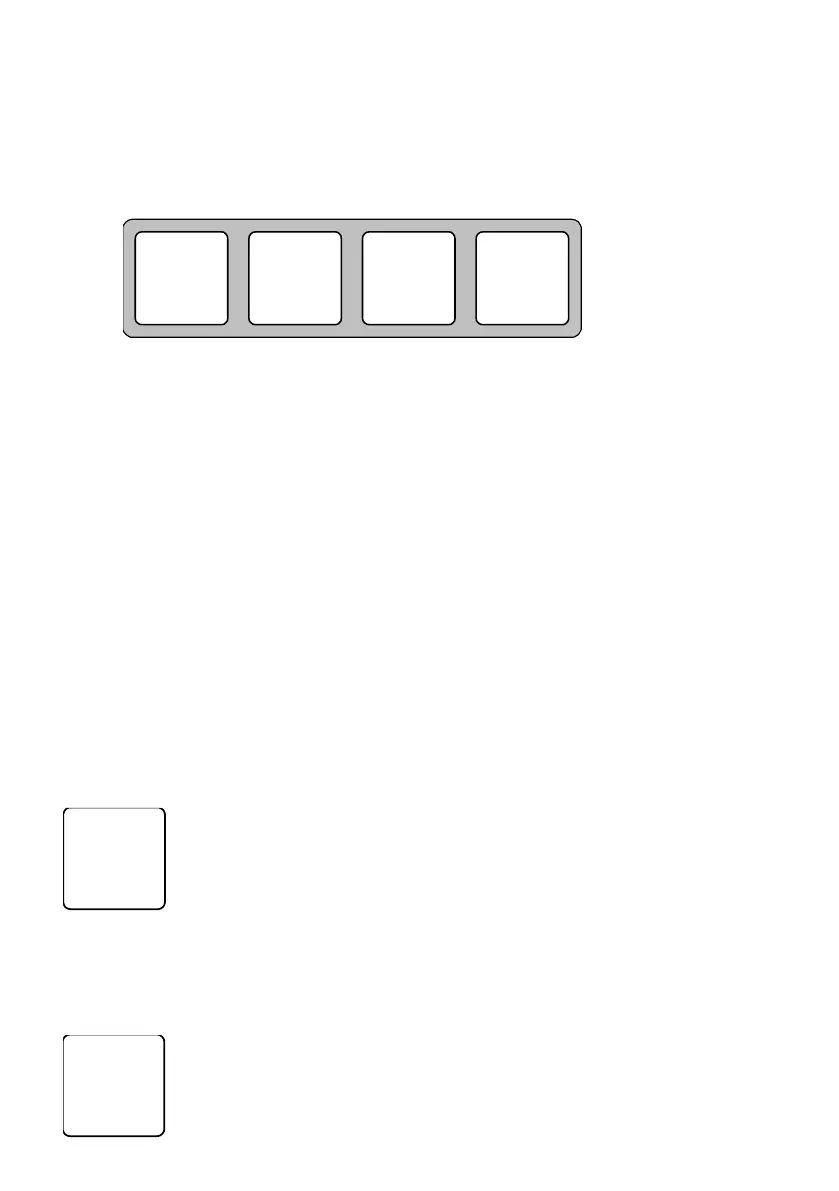
The four-key keyboard provides an input (a change) of necessary
parameters, input of operator's commands, control of all the operation
modes including both a mode of the independent operation of the tool and
a mode of its communication with peripherals. A general view, layout and
notation of the keyboard's keys are shown in the picture.
The functional duties of the keys are described in more detail in the
next section.
5.3.3. Basic functions of the keys
Turn on the tool.
Consecutively look through (in a closed cycle) the
operation modes.
Consecutively look through a number of flashing
(changeable) digit place position on the digital display
when entering (orchanging) parameters
Turn on the tool.
Change a value of a set parameter step-by-step (cycling)
looking through the provided alternatives. The set


 To Next Page