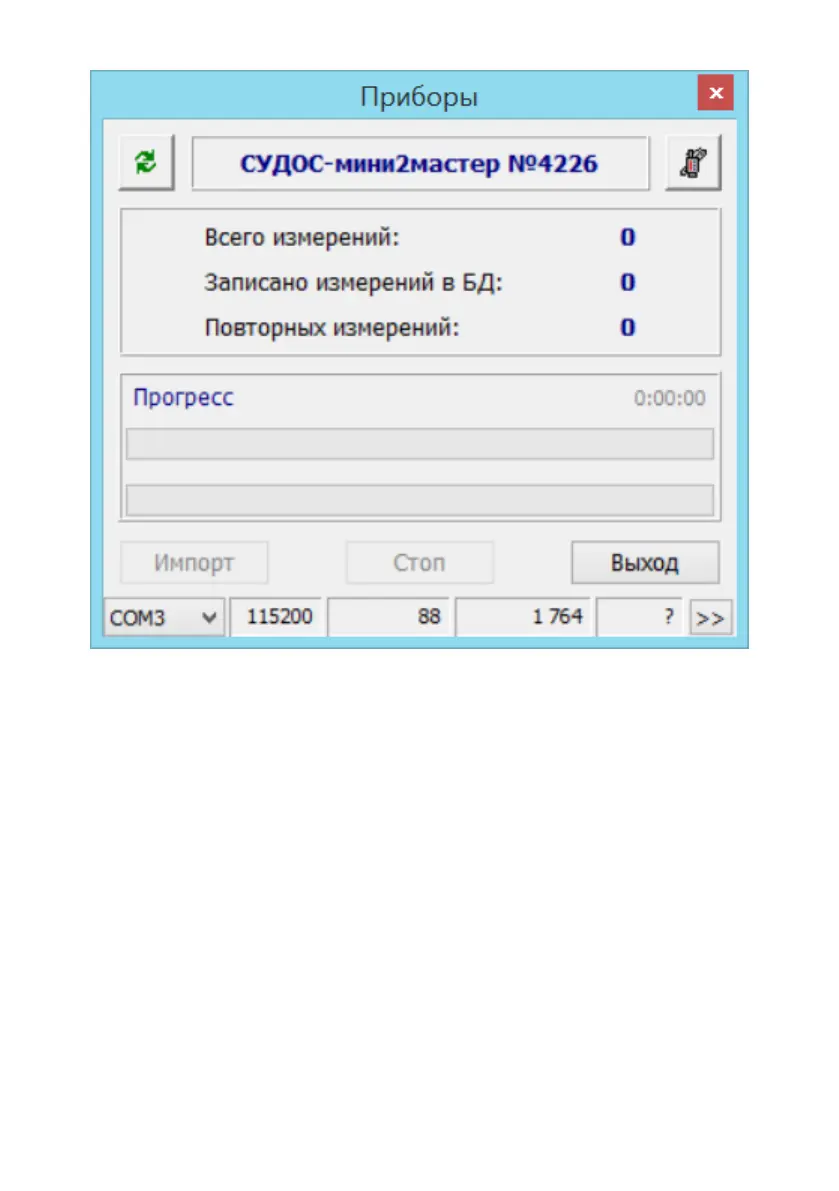
Figure 10
Supplement 7. The echogram visualization in the graphic
display
"INPUT/OUTPUT" button — jump to the previous graph.
Pressing "BACK" and "INPUT/OUTPUT" buttons simultaneously
— jump to the next graph. Pressing "MODE" button — jump to correct the
left border of the graph. With each new pressing of the "INPUT/OUTPUT"
button, the borderwill be changed for approximately 150 meters (depending
on the velocity of sound). Pressing "MODE" button — jump to correct the
right border of the graph. Pressing "MODE" button — jump to the mode of
the annulus pressure control.
While correcting, the graph borders will be displayed in numbers in
the upper line. Left border — on the left side, right border — on the right
side. Also in the upper line there will be shown maximum amplitude of


 To Next Page