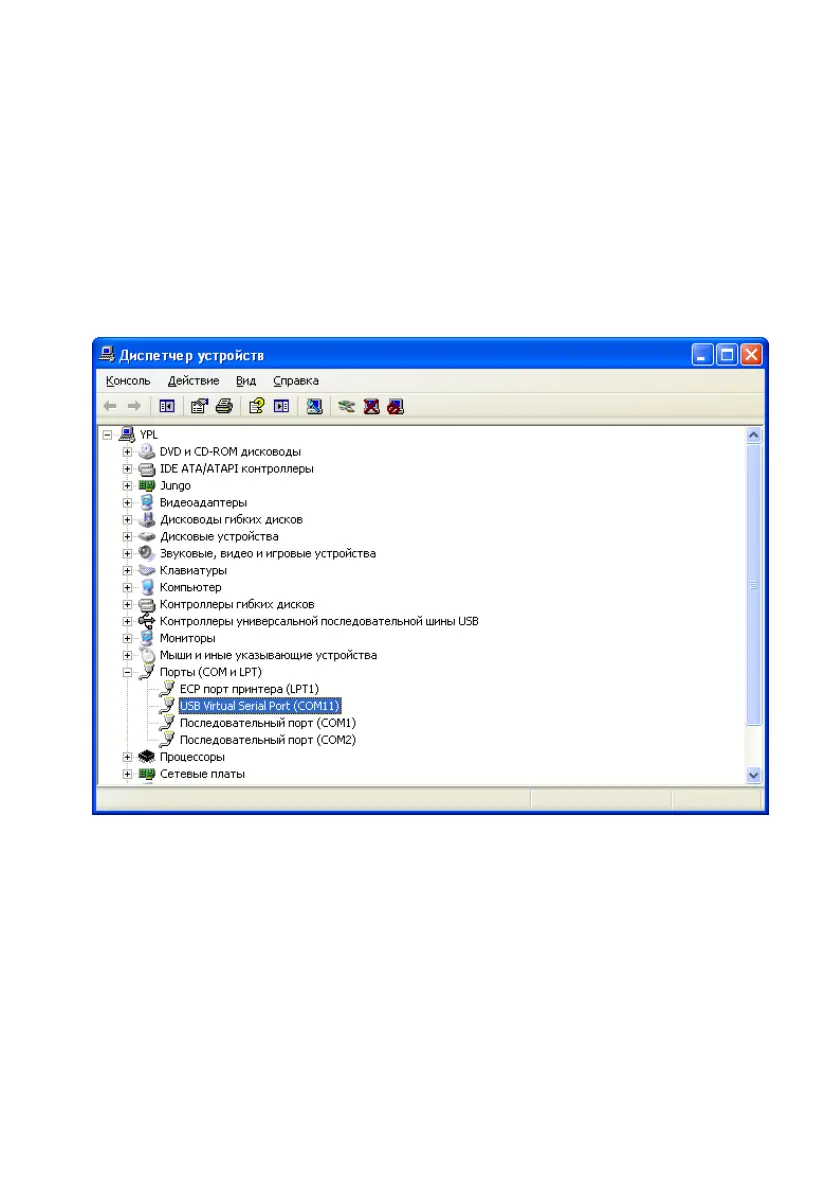
Locate the newly created COM port. In the example it is USB Virtual
Serial Port (COM11), see Figure 9.
3) Start "SIAM DB v2.5" database on computer.
4) In the computer database, start the import procedure. Select the
number of COM port corresponding to the connected USB. In the
example it is COM3 (see Figure 10).


 To Next Page