Operator's Manual S 65 E - S 65 E C 97
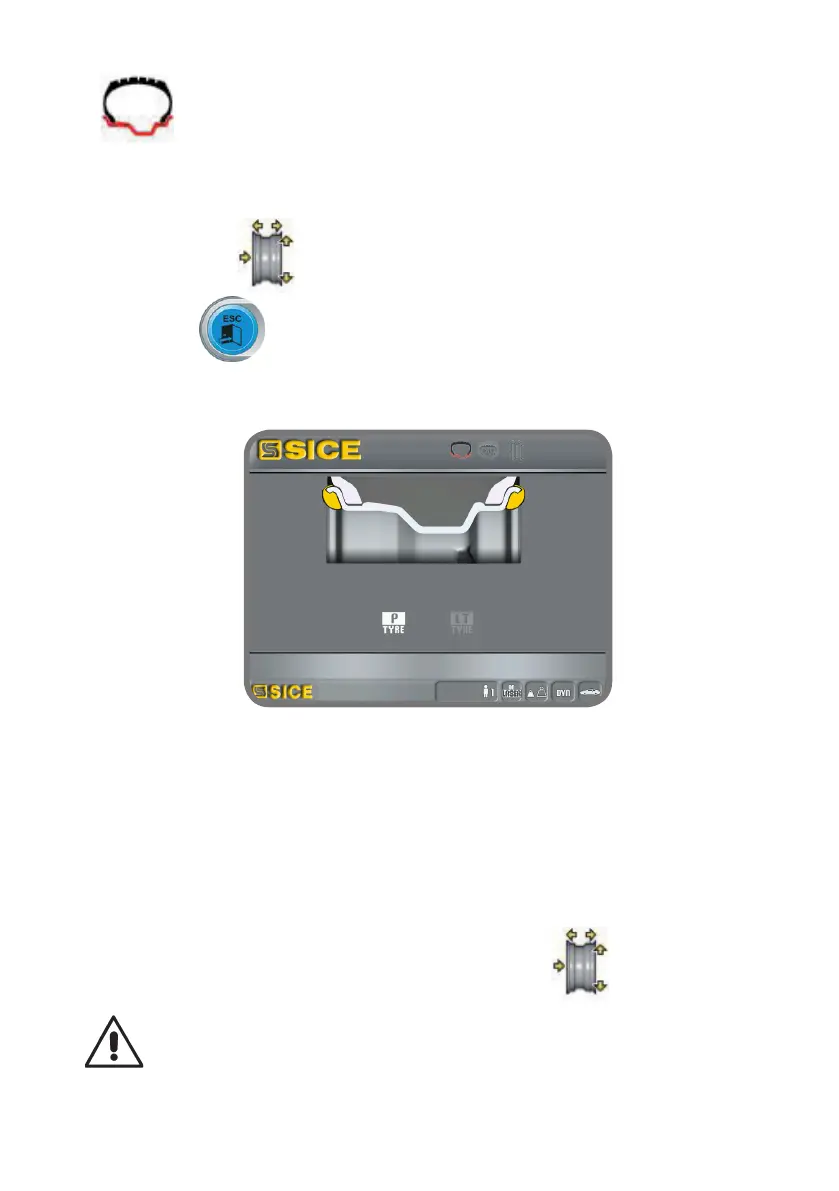
- : every time the ENTER key is pressed, the machine automatically modifies
the type of balancing programme (shown on the display) in the following sequence:
DYNAMIC-ALU1-ALU2-ALU3-ALU4-ALU5-STATIC-DYNAMIC MOTORCYCLE-ALU MO-
TORCYCLE.
- : by pressing the dimensions key, manual width insertion is enabled;
- Pressing the button during the indicated phase returns to the working environ-
ment, maintaining the previous width.
- in this phase, it is possible to perform a new acquisition of the rim planes.
- lowering the guard confirms the selection that was made (manual width entry or wheel
type selection) and the width scanning and spin are performed.
Note:
- automatic width acquisition is re-enabled only with a new acquisition of the automatic
internal measuring arm;
- if the wheel guard is closed or in the case of a fault of the sensor located on the guard,
the machine will automatically set up for manual width entry when the internal measur-
ing arm is moved to the rest position;
- at the end of the spin, it is possible to change the width acquired automatically by the
machine by selecting the following icon on the work page :
IMPORTANT
bear in mind that the wheel’s nominal diameter (e.g. 14”) refers to the planes on which


 To Next Page