Operator's Manual S 65 E - S 65 E C 119
Automatic locking device C opening/closure function
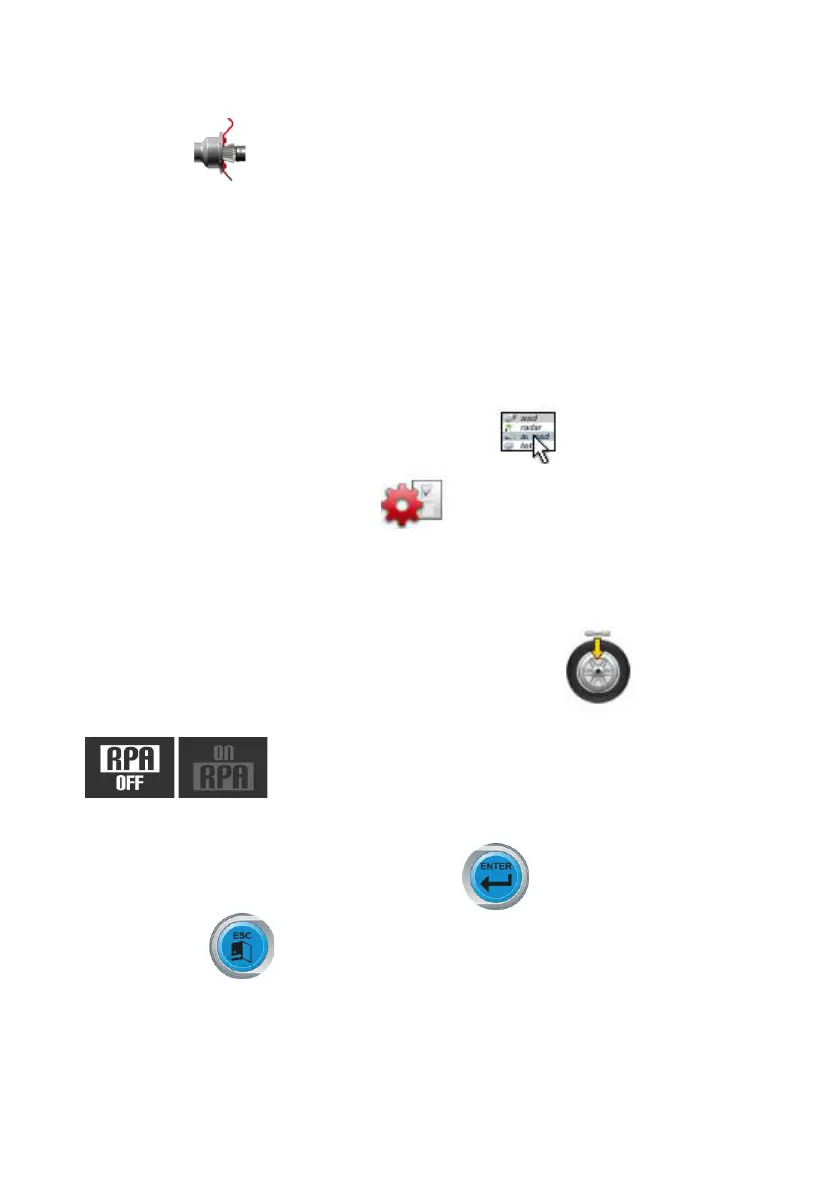
IfthecontrolpedalCisnotworking(M,Fig.8),thelockingsystemCcanbeopened/closedasfollows:
- Select the icon;
- press enter to open or close the automatic locking system C.
This function can be inserted in the bar of the main icons, as explained in Preferred programme
configuration.
CONFIGURATION PROGRAMMES
The Configuration programmes are those functions that are intended for customising the machine's
operation and are normally executed when the machine is installed.
The list of the configuration programmes can be displayed as follows:
- Select the utility and configuration programmes icon ;
- Select the configuration programmes icon;
Automatic Position Search (RPA) Configuration
Enables/disablestheautomaticpositioningofthewheelattheendofthespin.Afterthelistof
the setting programmes is displayed, proceed as follows:
- Select the Automatic position search configuration (RPA) icon .
The following icons are displayed:
RPA OFF; disables the automatic position search procedure.
RPA ON; enables the automatic position search procedure.
- Press the Enter button to select the icon desired .
- Press the Exit button to save the setting and quit.
The selection can also be seen in the working screen status line.


 To Next Page