118 Operator's Manual S 65 E - S 65 E C
Manual wheel data entry function
If the automatic measuring arm fails to operate, the geometric data can be entered manu-
ally by following the procedure below:
- select the manual wheel data entry icon ;
- the data screen showing the icons is displayed:
manual wheel data change;
unit-of-measurement(inch/mm)change;
displays the help information regarding the current screen.
- Select the dimension change icon ;
- the wheel balancer prepares for manual entry of the width;
- change the displayed value with the value measured with the manual calliper using the
keypad;
- press the Enter button to confirm and switch to the diameter value entry phase;
- change the value of the diameter displayed by entering that indicated on the tyre using
the keypad;
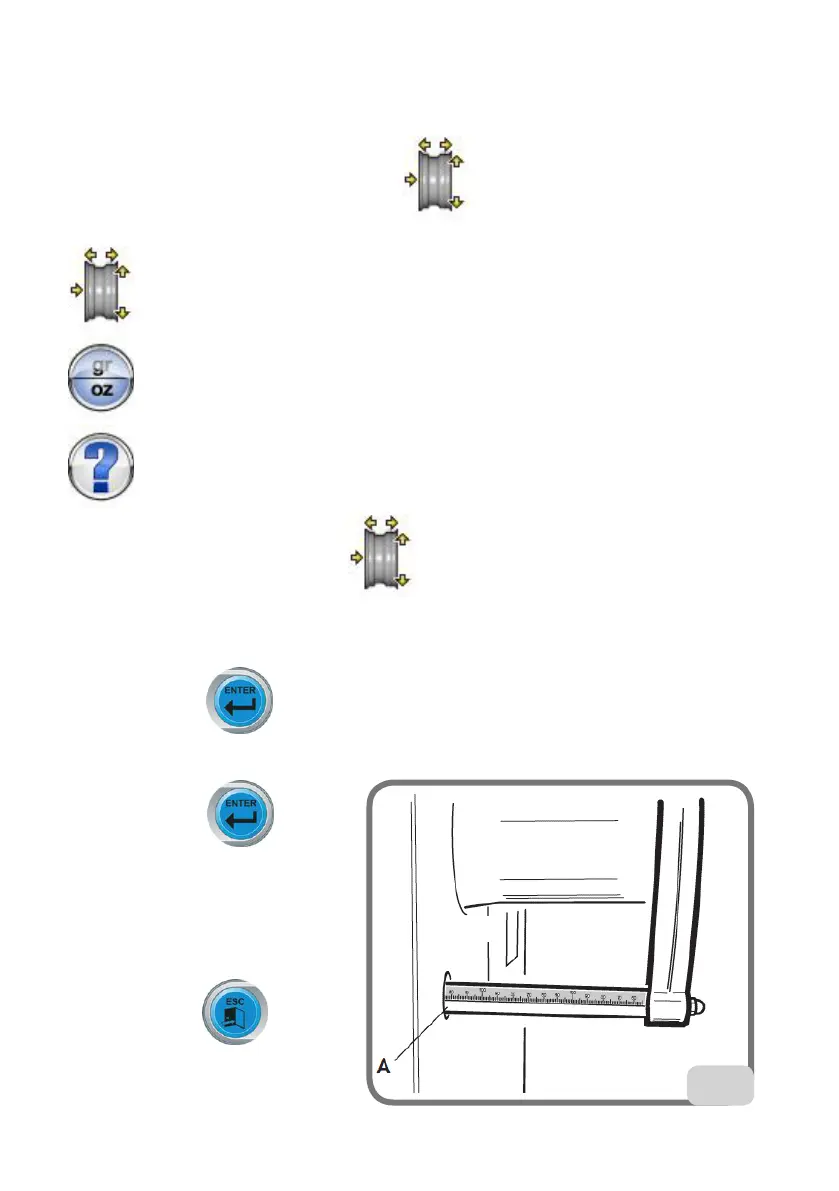
- press the Enter button to
confirm and switch to the distance
value entry phase;
- change the value of the distance
displayed by entering that indi-
cated on the internal sensor (A,
fig.25) using the keypad;
- press the exit button to
terminate the manual data setting.
25


 To Next Page