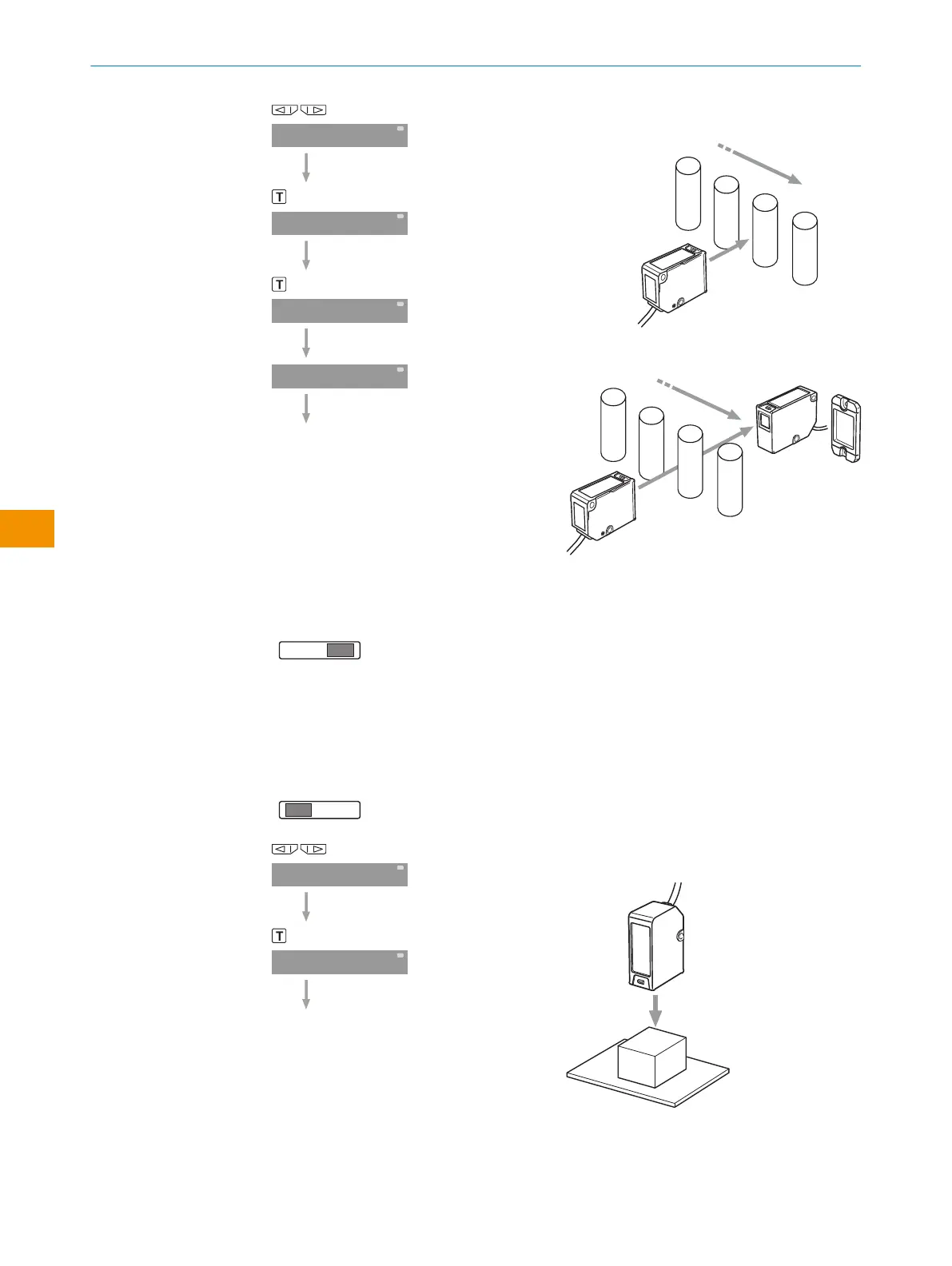
Select Auto teach-in.
WT, WL, WSE start and end: Automatic con‐
figuration during the running process
Sets the threshold to the average of the
maximum and minimum value that was
detected between Auto Start and Auto Stop.
Start: Press the teach-in button.
End: Press the teach-in button.
Pin on RUN.
The threshold flashes and the display
reverts to the initial setting.
6.6 Zone teach-in
Pin on SET.
Select Zone teach-in.
Proximity sensor (WT): Adjust with object
present.
Press the teach-in button.
OPERATING INSTRUCTIONS
46
O P E R A T I N G I N S T R U C T I O N S | Evaluation unit WI130 8020148.1HRJ/2023-02-08 | SICK
Subject to change without notice
en



 To Next Page