NOTE
After successful connection of the product to the IO-Link Master, the green (Power) LED
flashes to indicate a functioning IO-Link communication between the master and device.
6 Commissioning
6.1 Videos
The following tutorial shows how to commission the sensor:
Table 7: Video overview
Selecting MultiMode operating mode and teach‐
ing in the sensor
https://video.sick.com/media/t/0_dr9zfbj8
6.2 Alignment
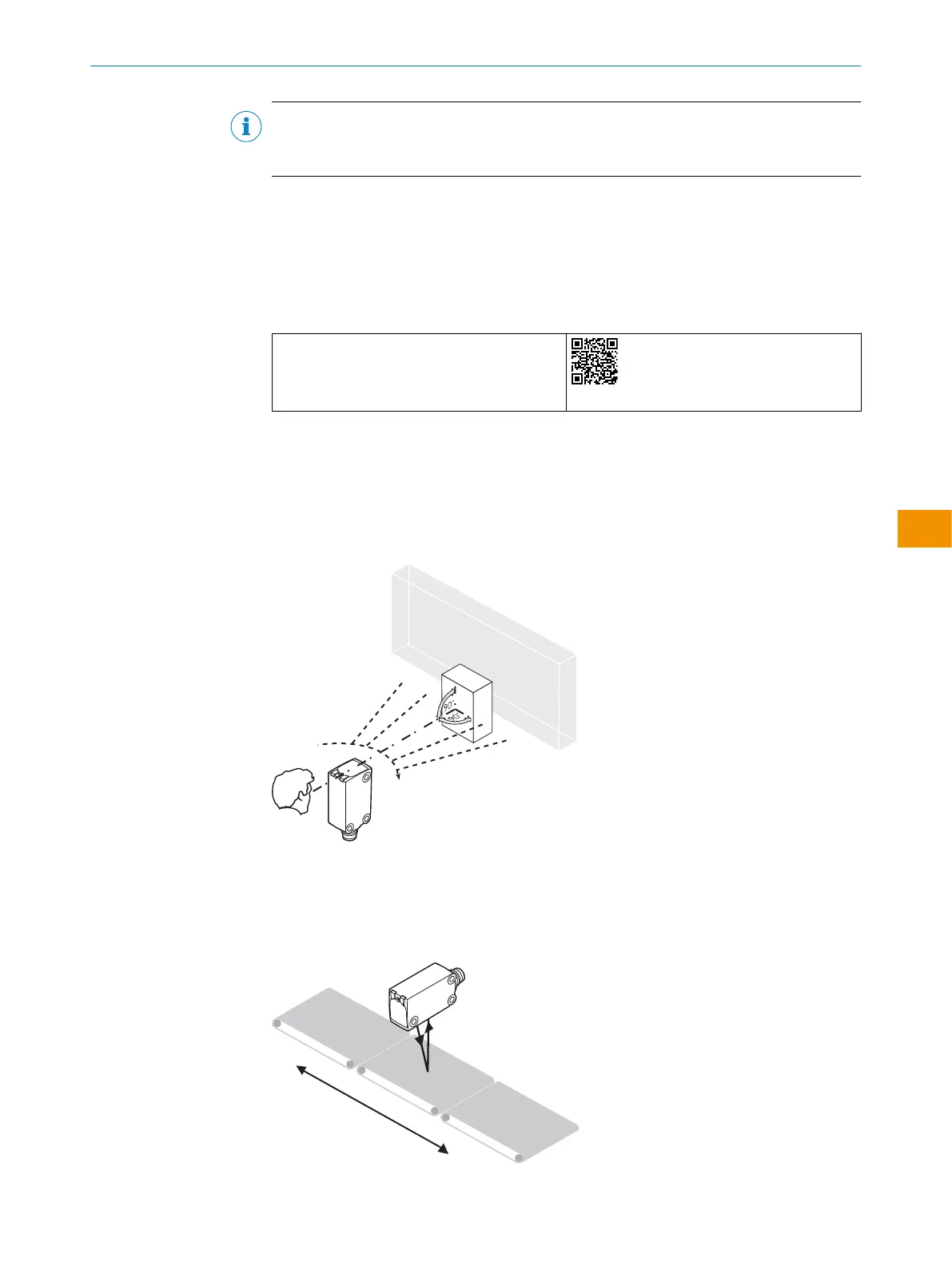
Alignment with background suppression
Align the sensor with the object. Select the position so that the red emitted light beam
hits the center of the object. You must ensure that the optical opening (front screen) of
the sensor is completely clear [see figure 5].
Figure 5: Sensor on object
Alignment with foreground suppression
Align the sensor with the background. You must ensure that the optical opening (front
screen) of the sensor is completely clear [see figure 6].
Figure 6: Alignment on background
OPERATING INSTRUCTIONS
8028212/2023/10/20 | SICK O P E R A T I N G I N S T R U C T I O N S | WTM4S
47
Subject to change without notice
en











 To Next Page