✓
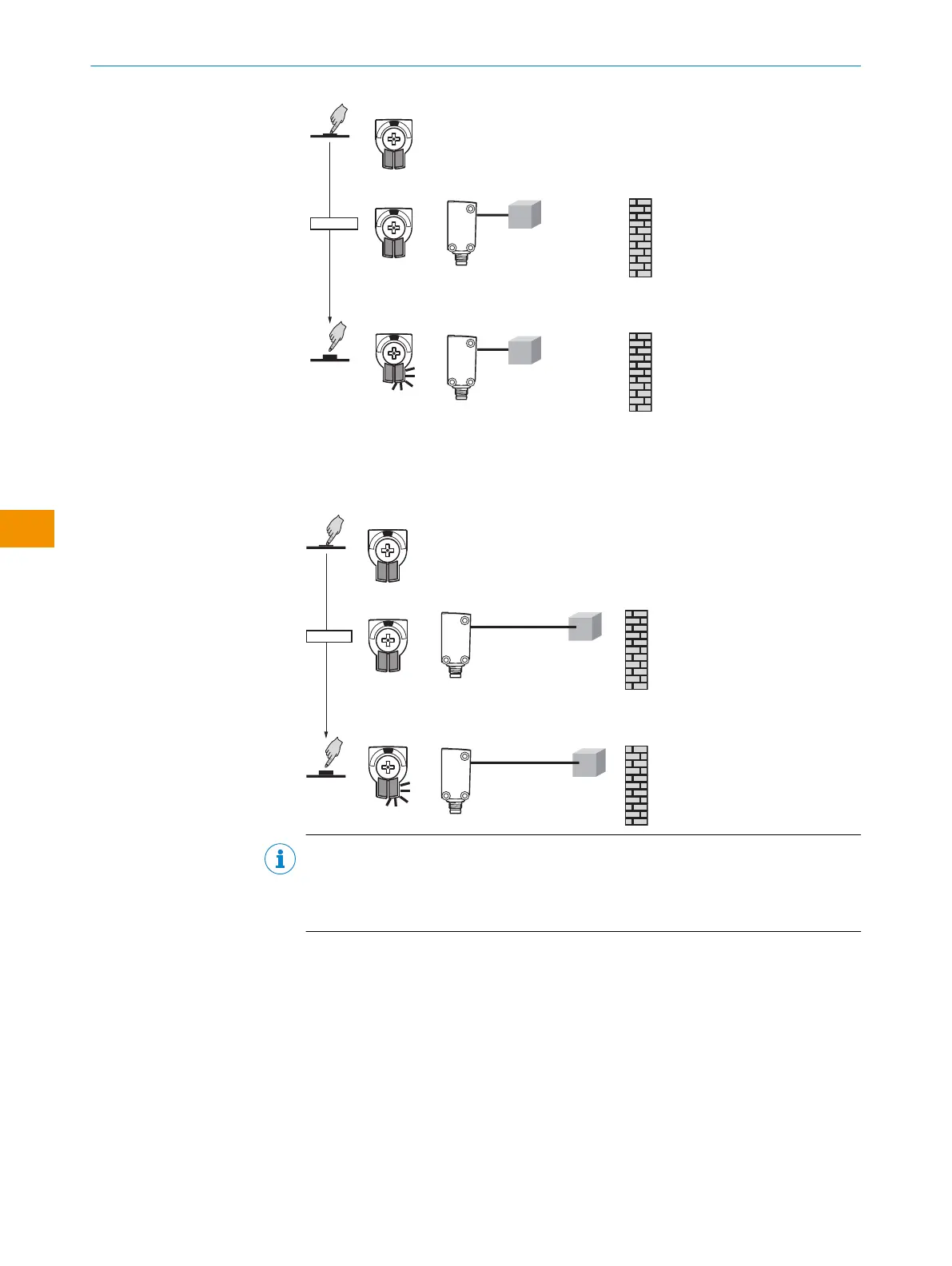
Sensing range Q1 is set.
2. After a short pause, the yellow LED flashes again, now the 2nd sensing range can
be taught in.
3. Position object in the desired position 2 and press the control element for 1-3sec‐
onds until the yellow LED flashes.
NOTE
Addition for mode 3: Set sensing range is now exactly between the 2 taught-in
points
Supplement for mode 5: QL (window signal, derived from Qint.1 and Qint.2)
LED display for MultiMode 4 (2 independent switching points):
Case 1:
Q1 = near switching point (taught in first) - LED 3
Q2 = far switching point (taught in last) - LED 5
OPERATING INSTRUCTIONS
56
O P E R A T I N G I N S T R U C T I O N S | WTM4S 8028212/2023/10/20 | SICK
Subject to change without notice
en











 To Next Page