60 / 92
Siemens………………………RDF301, RDF301.50..., RDF600KN, RDF600KN/VB, RDF600KN/S Basic Documentation CE1P3171en
Smart Infrastructure 2020-02-21
3.11.9 KNX switching groups (RDF600KN/S, RDF301.50,
RDF301.50H only)
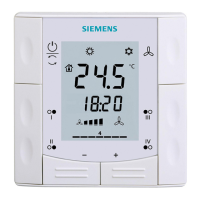
Light and blinds as well as scenes are operated via switching groups.
The communication objects of the buttons need to be bound to a corresponding
KNX actuator module.
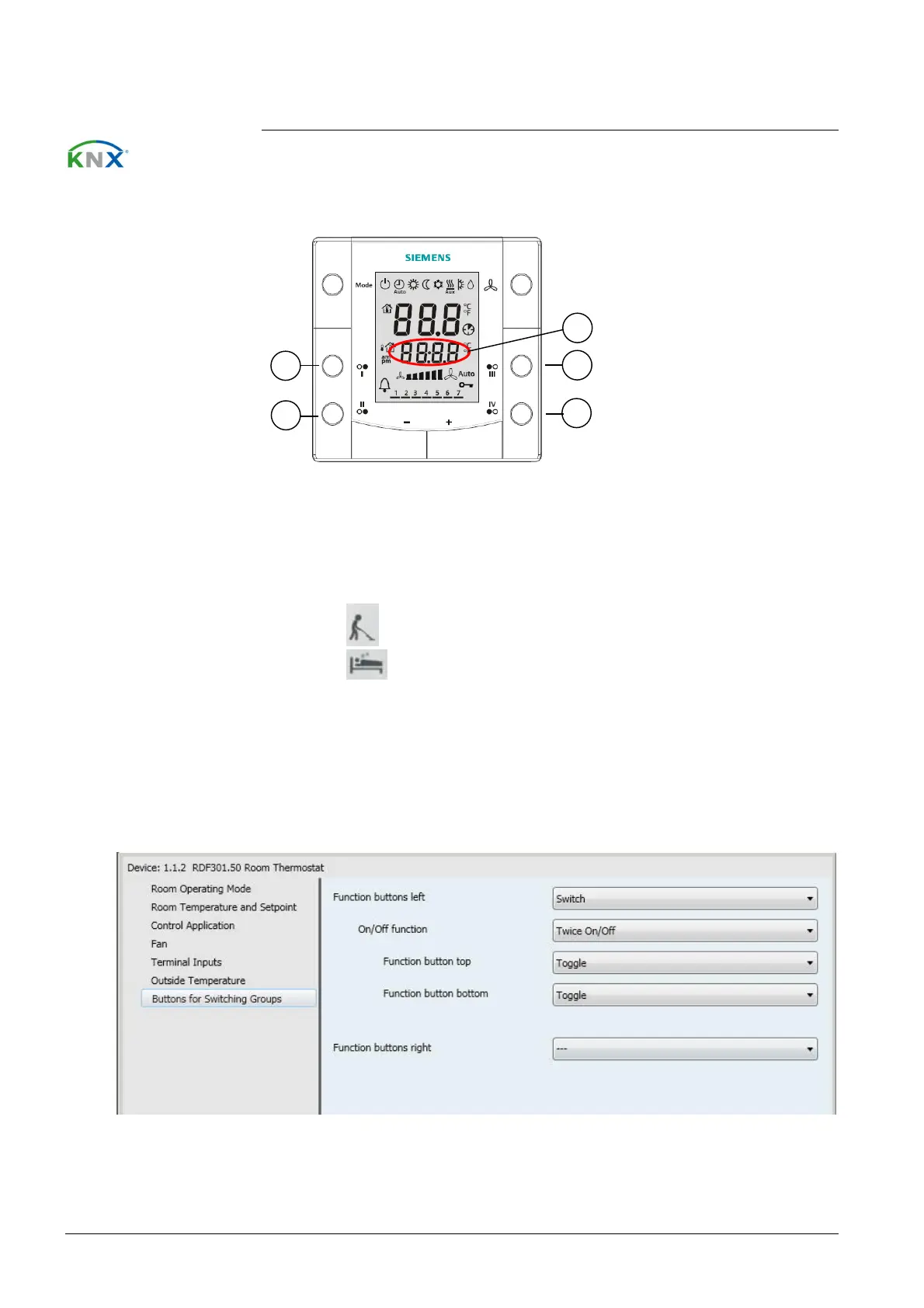
RDF301.50, RDF600KN/S
1, 2 Buttons of switching group left (1).
3, 4 Buttons of switching group right (2).
5 Display for indication while pressing buttons.
RDF301.50H
1, 2 Button label: Make Up Room (MUR), ON/OFF.
3, 4 Button label: Do Not Disturb (DND), ON/OFF.
5 Display for indication while pressing buttons.
RDF301.50…, RDF600KN/S has 2 switching groups with a pair of button each,
which must be configured via ETS.
Buttons


 To Next Page