
 To Next Page
R
Rebecca ClineAug 6, 2025
Why is my Siemens Fire Alarms control panel not displaying correctly?
- OolsonbrookeAug 6, 2025
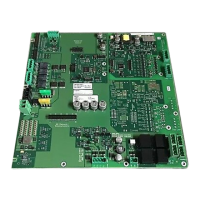
If your Siemens Fire Alarms control panel isn't correctly displaying the fire detection topology, or the display is taking 10 minutes to load, this can occur if the radio gateway lost power for a few seconds (FDnet detector line was switched off or interrupted and also had no battery voltage), after a firmware update, or after replacing the radio gateway. To avoid this, ensure the FDnet detector line is on when changing the battery. You can also restart the FDnet detector line.
 General