Rev 1 Jul.16 13 4119612
7
7: Log in to the oMG
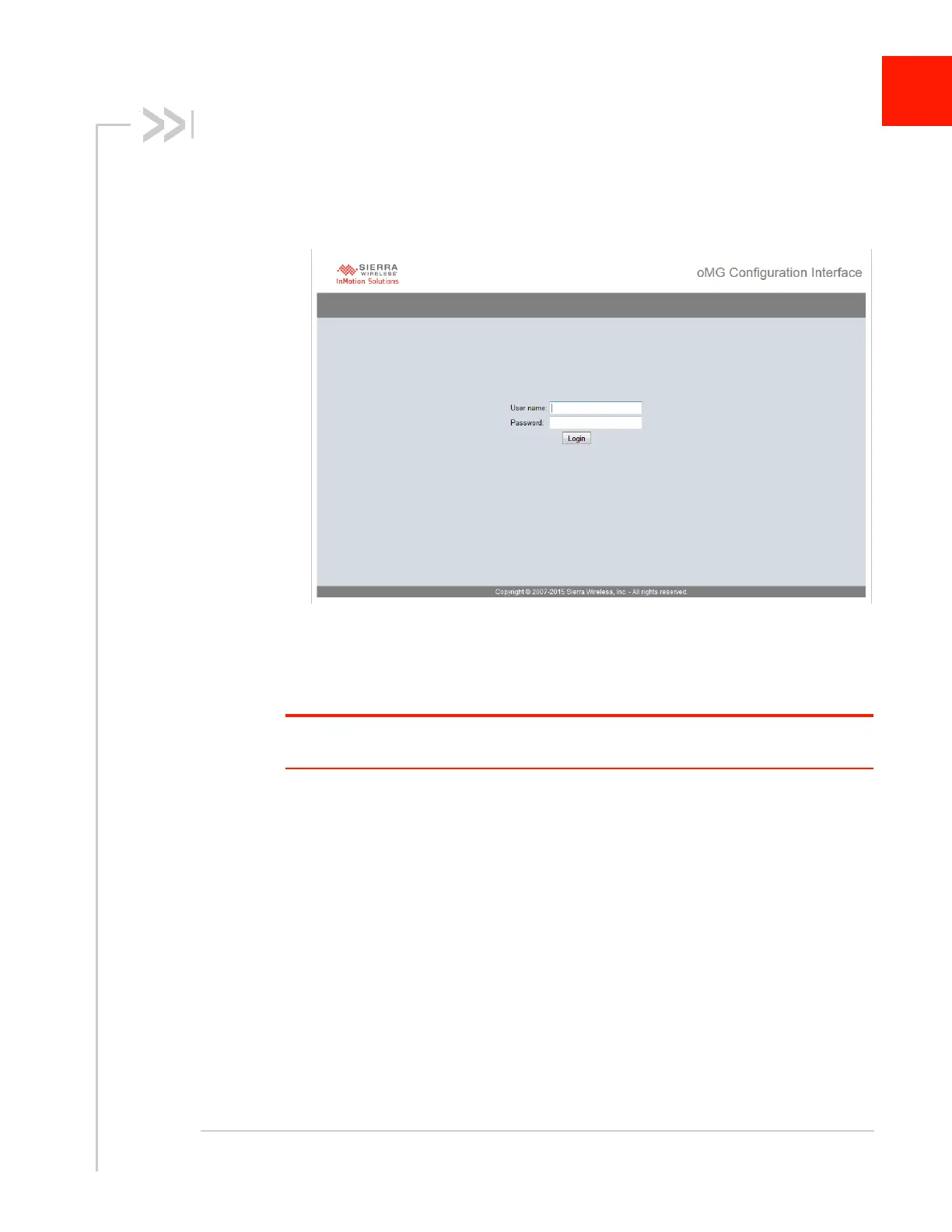
1. Open your web browser (e.g. Firefox, IE, or Safari) and start the Local Configu-
ration Interface (LCI) by typing the following into the browser address bar:
http://welcome.to.inmotion/MG-LCI.
Figure 7-1: oMG LCI Login Screen
2. Log in with:
· User name = admin
· Password = admin
Note: If you do not see the login page, then your PC has been unable to acquire a network
address on the oMG LAN and you should verify your PC settings.














 To Next Page