Chapter 2 Installation and commissioning
4 Power-on inspection of device
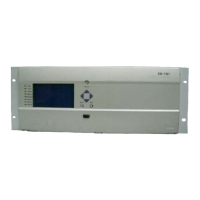
After powering on the device, check according to the following steps:
(a) LCD displays welcome screen and then enter normal display without any
alarm information;
(b) LED indicator is normal and the accident, alarm and communication
interrupt indicators are not on;
(c) The keyboard of good contact and flexible operation;
(d) The configuration information displayed on LCD is consistent with the
actual situation of the device;
(e) The clock shall be same with the actual time, otherwise, calibration shall
be conducted.


 To Next Page