Human-machine interface and its operation
module14
module 15
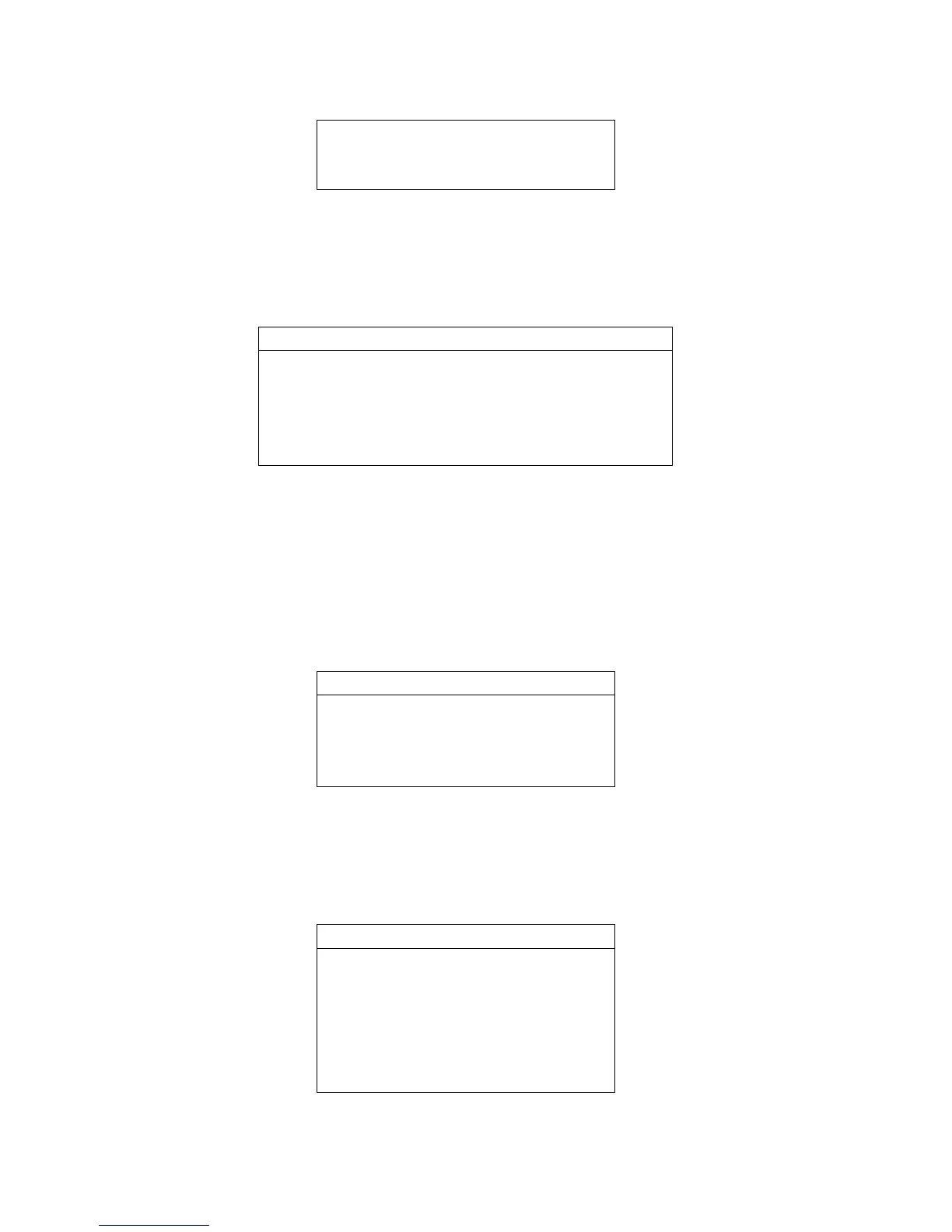
Figure 8 CSC-1321 display interface for input and output module selecting
Select module 14, press SET button to view each of the input and output
status of it:
[1-3-1-1] 1 / 1
DI:1 2 3 4 5 6 7 8 9 10
O O O O O O O O O O
DO:1 2
C C
Figure 9 CSC-1321 input and output status display interface
Move the cursor to “input and output” menu item on operating conditionmenu
and enter it; press SET button to enter “output actuator” and display current
configured input and output module respectively. For example, module 14
and module 15 are input and output module, and it can be seen on the
interface as follows:
[1-3-2] 1 / 1
module 6
DO1 Open
DO1 Close
……
Figure 10 CSC-1321 module selecting display interface
Select module 14, press SET button to enter output drive operation command
display interface:
[1-3-2-1] 1 / 1
DO1open
DO1close
DO2 open
DO2 close


 To Next Page