Operating Manual SIGMA 2-5, page 33 of 55
03/06
4.2.1.1 Speed
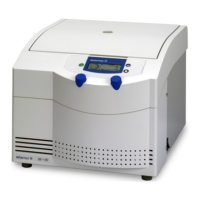
The upper scale of the right display area indicates rpm x 1000. This value can be
set by turning the right knob.
After entry of a speed a single bar indicates the set speed.
During the run the actual speed is indicated by a sequence of bars.
The speed value can be changed during the run by turning the right knob.
If during the run the speed is set below the actual speed, the new set speed is
indicated by a flashing bar and the drive is decelerating to the new value.



 To Next Page