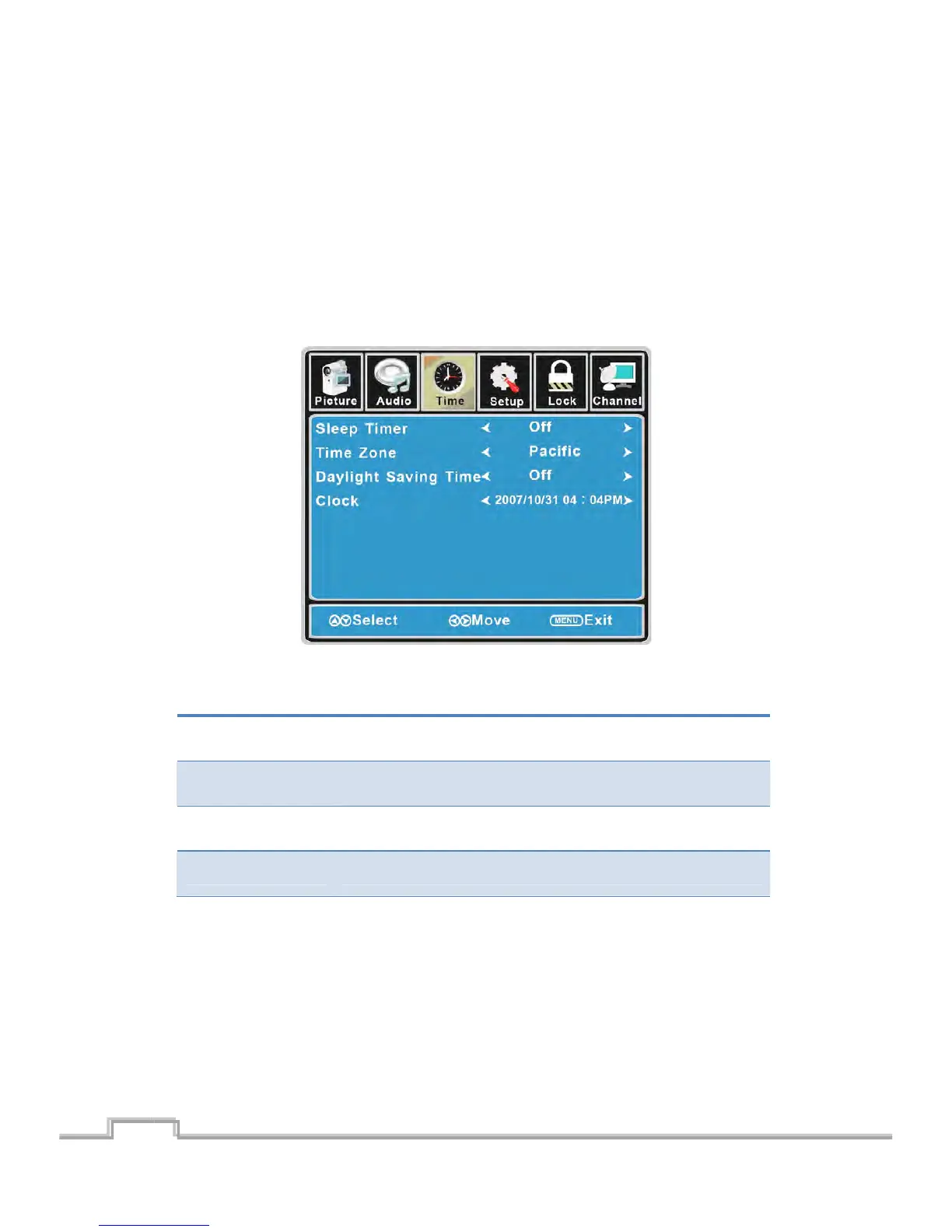
CustomizingtheTIMERSettings
SelectTVsourceforexample.(PressSOURCEbuttontoselectTVmode)
1. PressthePOWERbuttontoturntheLCDTVon.
2. PresstheMENUbuttonontheremotecontroltodisplaytheMainmenu,andusetheŻ/Ź
buttonstoselecttheTIMER.
3. Use the Ÿ/ź buttons to highlight an individual TIMER option, use the Ż/Ź buttons to
changethesetting,andpresstheMENUbuttontoexit.
TheTIMERmenuincludesthefollowingoptions:
SleepTim er
Allow you to set up the sleep timer am ong: 5min, 10min, 15min,
30min,45min,60min,90min,120min,180min,240minandoff.
TimeZone
Allow you to set up the sleep timer among: Pacific, Alaska, Hawaii,
Eastern,CentralandMountain.
DaylightSavingTime Allowyoutoturnonoroffthedaylightsavingtime.
Clock SettheInternalClock.(IntheTV mode)
17
SIGMAC
LE15AB
18
LCD/LED TV on.



 To Next Page