UM_FULL_56SL_REV_A 12
G. Disabling the Remote Start System: (If Installed)
This feature allows your system’s remote start unit to be temporarily disabled to prevent
the vehicle from being remote started accidentally. This feature is useful if the vehicle is
being serviced or stored in an enclosed area. To disable the remote start, move the
optional remote start enable toggle switch to the “OFF” position.
H. Timer Start Operation
This feature is designed to allow the user to have the system automatically remote start
at the end of a selected timed cycle. (Runtime interval based on feature 3-05 option setting.)
The running time interval will display on 2 ways LCD remote to conrm timer start is set.
Activate Timer start on / off
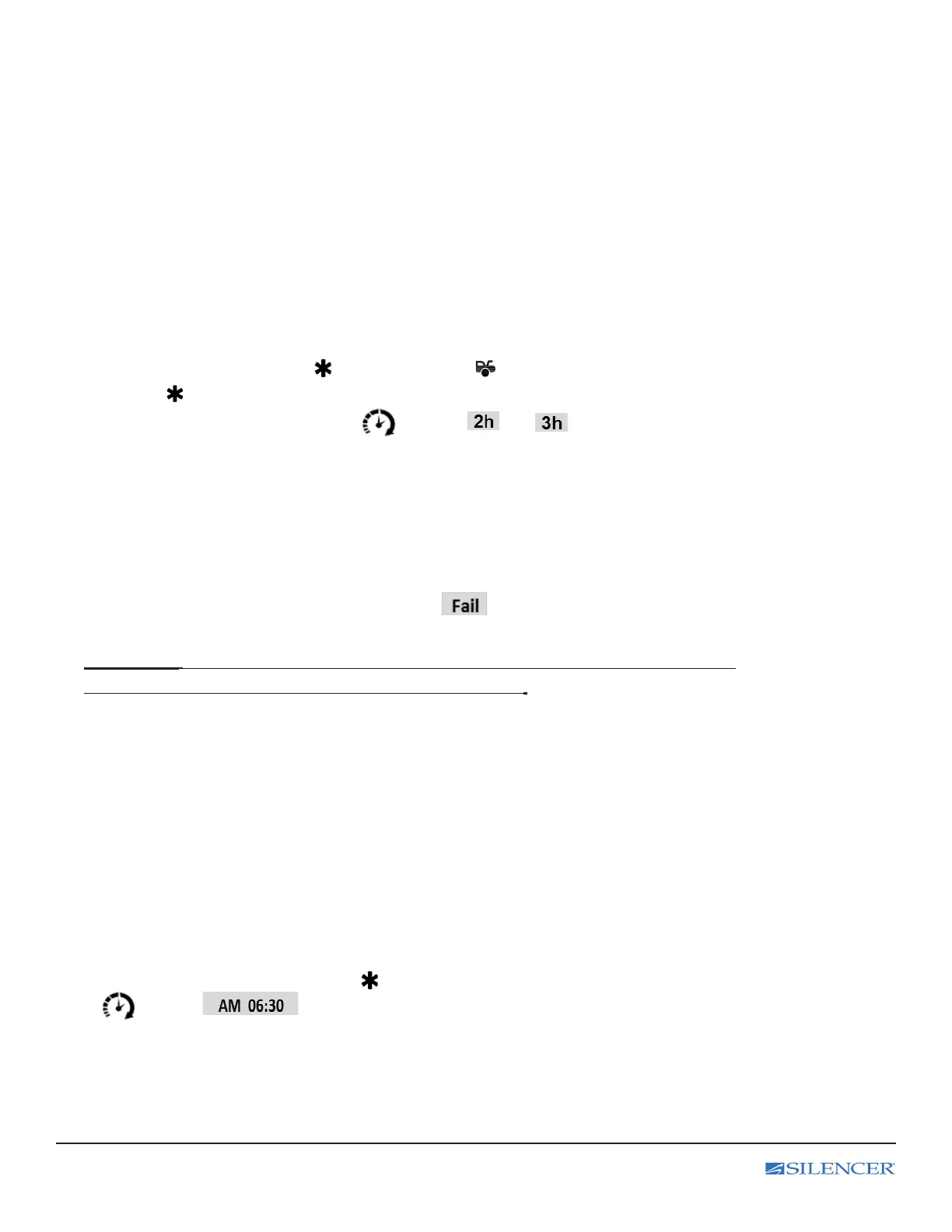
Depress F button rst then press button or Press the button rst, within 2 seconds
presses the button to activate timer start (or if ON, deactivates). A chirp from siren and
the parking light ashes 3 times and the icon, the or text and tone play
on the LCD transceiver.
Note: For Timer Start and Daily Timer Start:
1. This will be repeated in 24 hours.
2. Open the hood / trunk / doors or manually starts or remote starts the vehicle will cancel the timer start.
3. System needs to be locked or timer start will not start the engine.
4. 2 chirps from siren indicate fail to setting and the text and tone play on the LCD transceiver.
IMPORTANT: Timer Start and Daily Timer Start should be used only in open areas, never start
and run the vehicle in on enclosed space as a garage or carport.
Contact your installer to reprogram this feature if needed.
I. Daily Timer Start: (See LCD programming 2 setting)
This option will allow the user to set a predetermined time to remote start on the 2 way LCD remote.
Sets the time which you would like the start the vehicle rst (predetermined time based on LCD
programming 2 setting)
Note: it is important that the remote time is as accurate as possible when activating the
timer mode to ensure that it will start at the desired time.
Activate Daily timer start on / off:
Depress F button 2 times rst then press button (or if ON, deactivates). The parking light ashes 5 times and
the icon, the text and tone play on the LCD transceiver to conrm activates predetermined time
start. The vehicle is now programmed to start at the same time of the next day. Repeat the same step to turn off daily
timer start mode.



 To Next Page