UM_FULL_56SL_REV_A 5
Power Saver Mode: Press F button 2 times rst then press and hold F buttons for 1 seconds until the beep conrms to
enter Power Saver Mode, Under this mode press and hold F button for 1 seconds until the beep conrms, then release
the button to enable (The SAVE icon will display) or disable Power Save Mode (The SAVE icon will disappear).
While in Power Save Mode the LCD transmitter will not look for any incoming signals from main unit until a button is pressed.
Button Lock Mode: Press F button 3 times rst then press and hold F buttons for 1seconds until the beep conrms,
then release the button to enter Button Lock Mode, Under this mode press and hold F button for 1 second to enable
( icon will display) or disable Button Lock Mode (The icon will disappear)., the remote control will beep/vibrate
2 times when a button is pressed indicating it is locked.
EXIT: Wait 10 seconds, or press the other buttons to leave the setting except the F button.
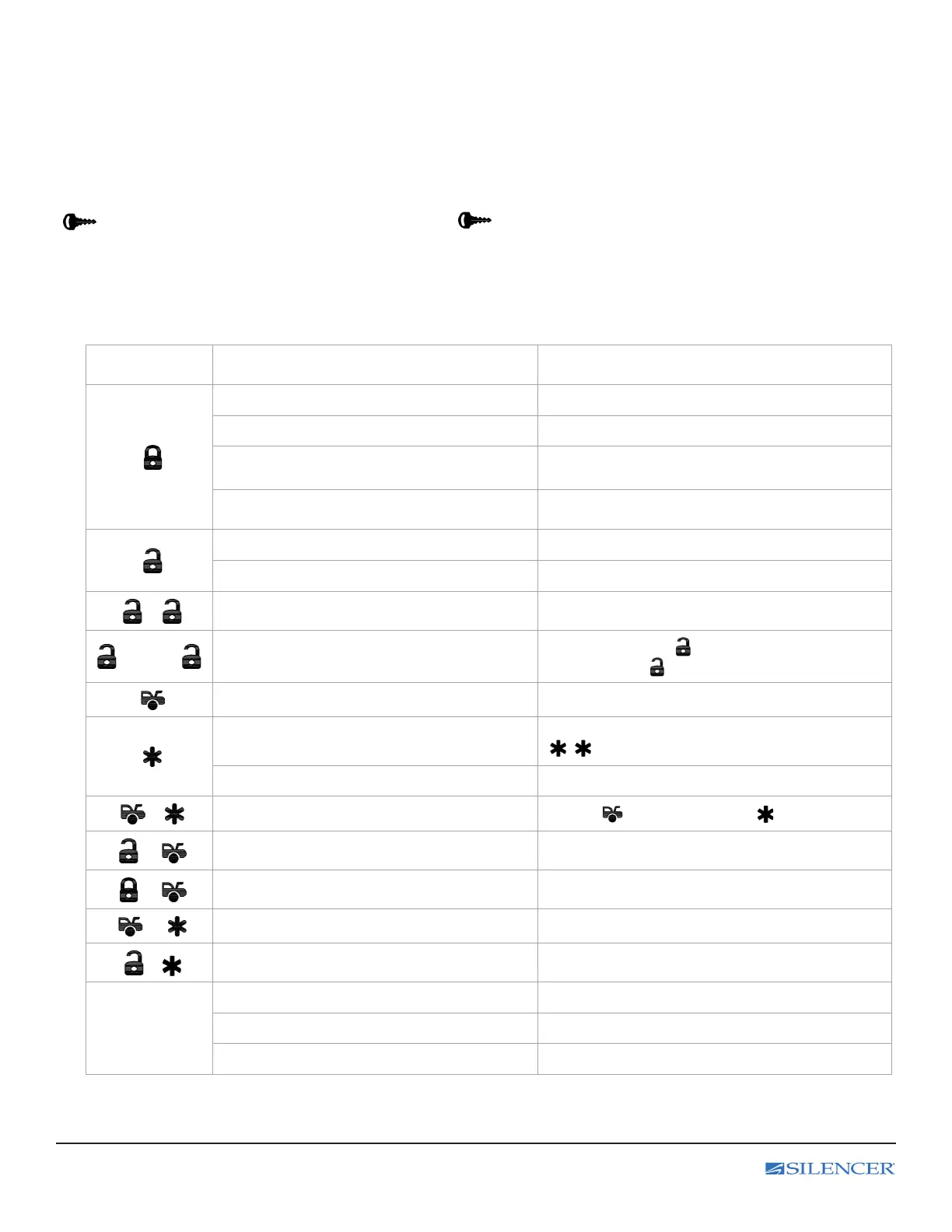
D. REMOTE TRANSMITTER OPERATION:
Transmitter
Button
System Function Remark
Lock Doors Tap the Lock button for a half second
Silent Lock Doors Press and hold for 1.0 seconds
Panic Function
Press and hold for 3 seconds to Activate or
Deactivate panic function
Car Locator Press when the system Locked
Unlock Doors Tap the Unlock button for a half second
Silent Unlock Doors Press and hold for 1.0 seconds
-
Two Steps Door Unlock (optional) Press twice within 3 seconds
1.0sec. -
Silent Two Steps Door Unlock
Press and hold the button for 1.0 seconds
rst then press button.
Trunk Release (Aux 1) Press and hold for 3 seconds
Activate or Deactivate the Remote Start
Press button once.
- Press twice if set to start safety mode.
Running Time Extender Press and hold for 2 seconds
-
Timer Start
Tap the button rst then tap button.
+
Turbo Mode Press together & release.
+
Aux 2 Timer Output Press together & release.
+
Switch Code for 2nd Car Operation Press together & release.
+
Shutdown Diagnostic Press together & release
F
Level Setting.
Light up he LCD indicator and Function Setting Press and hold for 1 second
LCD Remote Programming Setting Press and hold for 3 seconds



 To Next Page