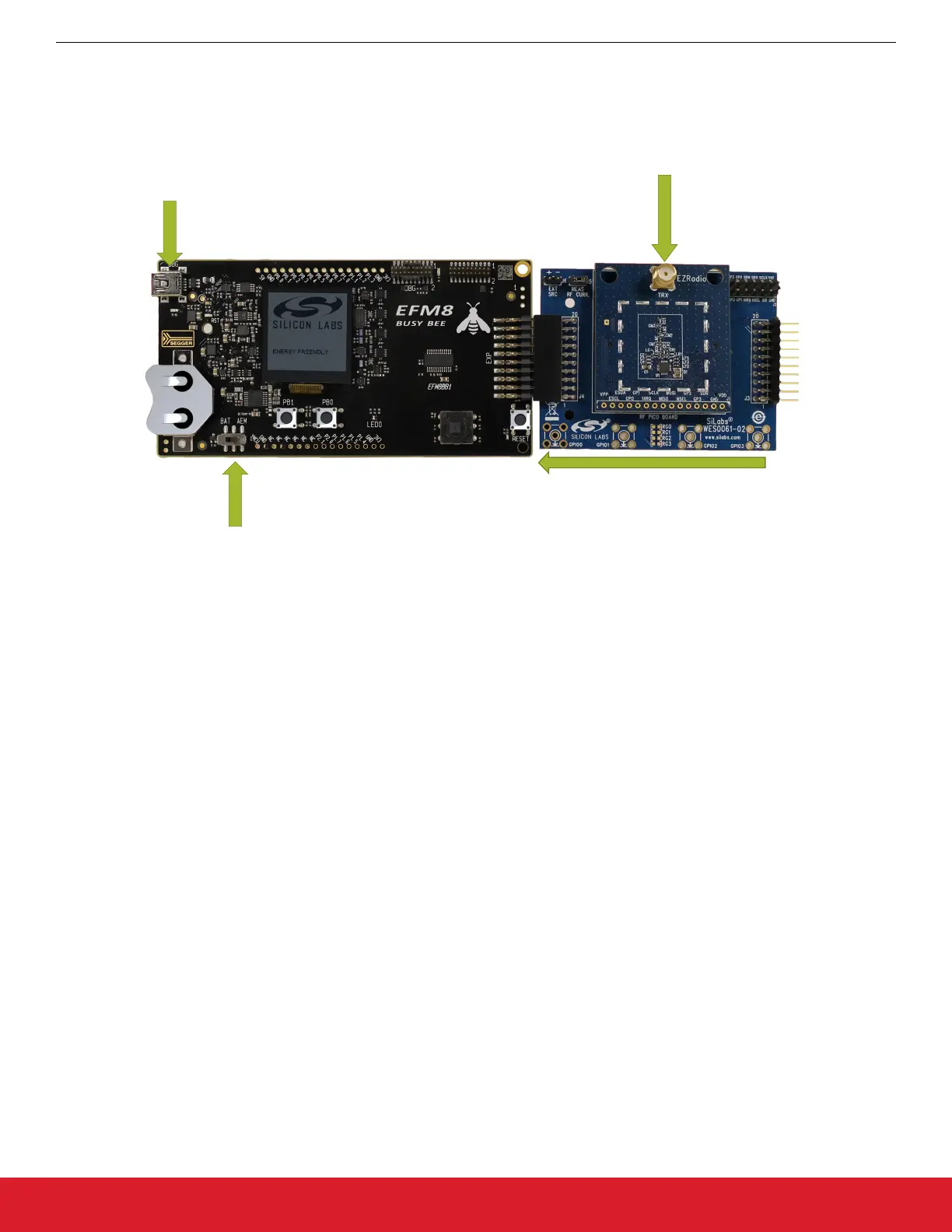
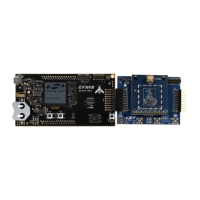
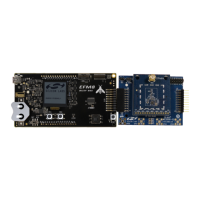
2. Insert the EXP board onto
the STK via 20 pin header
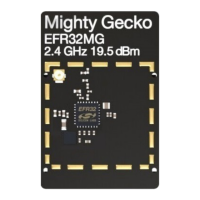
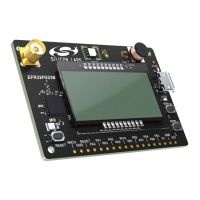
1. Inset the RF Pico card
onto the EXP board
3. Flip the switch to AEM
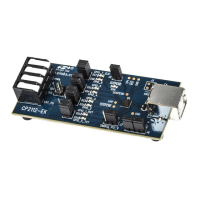
4. Connect the USB cable
from the STK to the host PC
Figure 3.2. Assembling the Kit
With Simplicity Studio launched and the BB1 kit recognized, select [Software Demos]. Navigate to find the [Wireless] folder and
choose a demo. Select the Range Test demo by selecting the [EFM8BB1_Range_Test_Si4455]. Once the demo is deployed the menu
screen should appear on the starter kit.
AN954: Programming Guide for EFM8 and EZRadio ®
Software Demos
silabs.com | Smart. Connected. Energy-friendly. Rev. 0.1 | 11




 To Next Page