14 GB/IE/NI
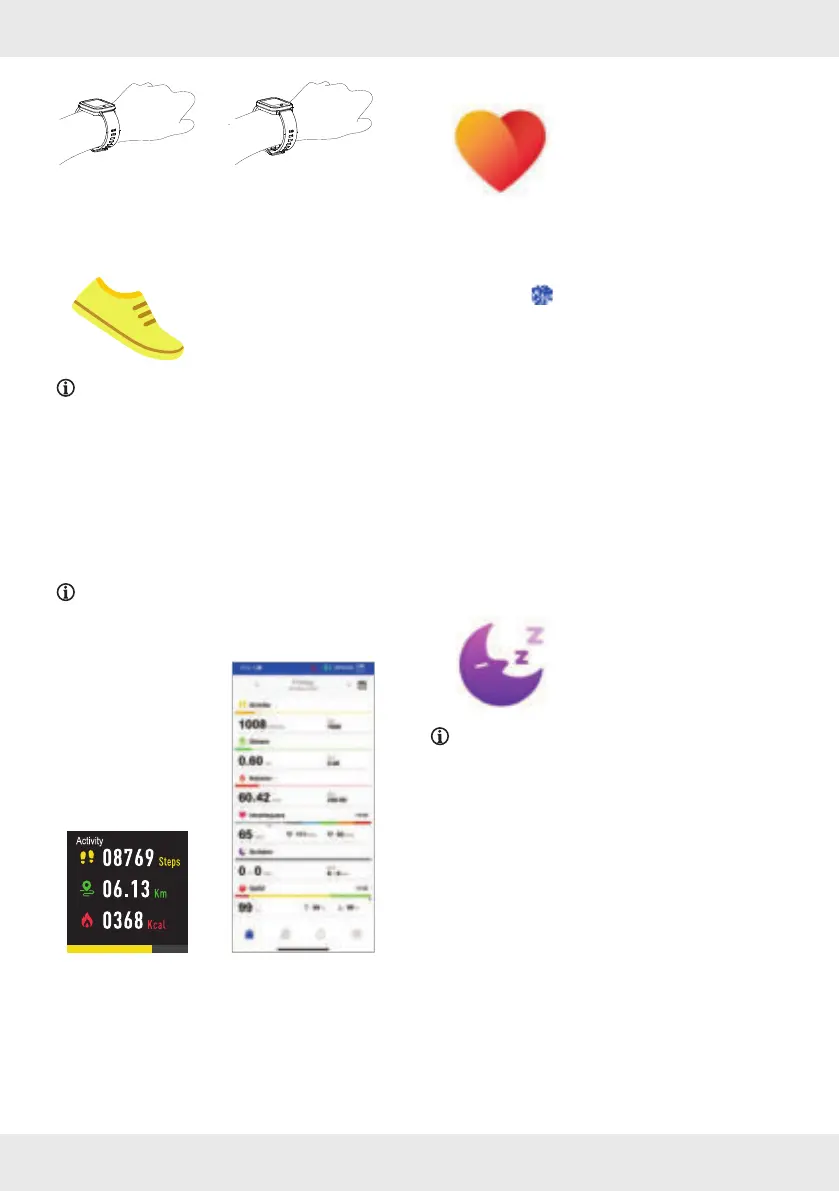
Strap nice and tight on
wrist
Too loose
Activity
This function allows you to
view your activity data.
NOTE: The smartwatch automatically records
your daily activity data.
Smartwatch
Briefl y press the button
[1] to activate the
display
[2].
Swipe left across the display [2] to access the
mode overview.
Tap Activity.
NOTE: Alternatively, after activating the
display, you can swipe upwards across the
display
[2] to go directly to the activity mode.
Smartwatch App
The app gives you a daily, weekly or monthly
overview of your data.
Heart rate measurement
This function allows you to
monitor your heart rate.
SilverCrest Watch App
Open the SilverCrest Watch app on
your mobile device and open the System
Settings
menu.
Tap Heart Rate Detection.
You can set your preferred time interval to
measure your heart rate automatically.
Smartwatch
Briefl y press the button
[1] to activate the
display
[2].
Swipe left across the display [2] to access the
mode overview.
Tap Heart Rate.
The smartwatch measures and displays the
current heart rate.
Sleep
This function allows you to
view your sleep data.
NOTE: This smartwatch records your sleeping
activity data automatically.
Smartwatch
Briefl y press the button
[1] to activate the
display
[2].
Swipe left across the display [2] to access the
mode overview.
Tap Sleep.
Sleep data is displayed.



 To Next Page