18 GB/IE/NI
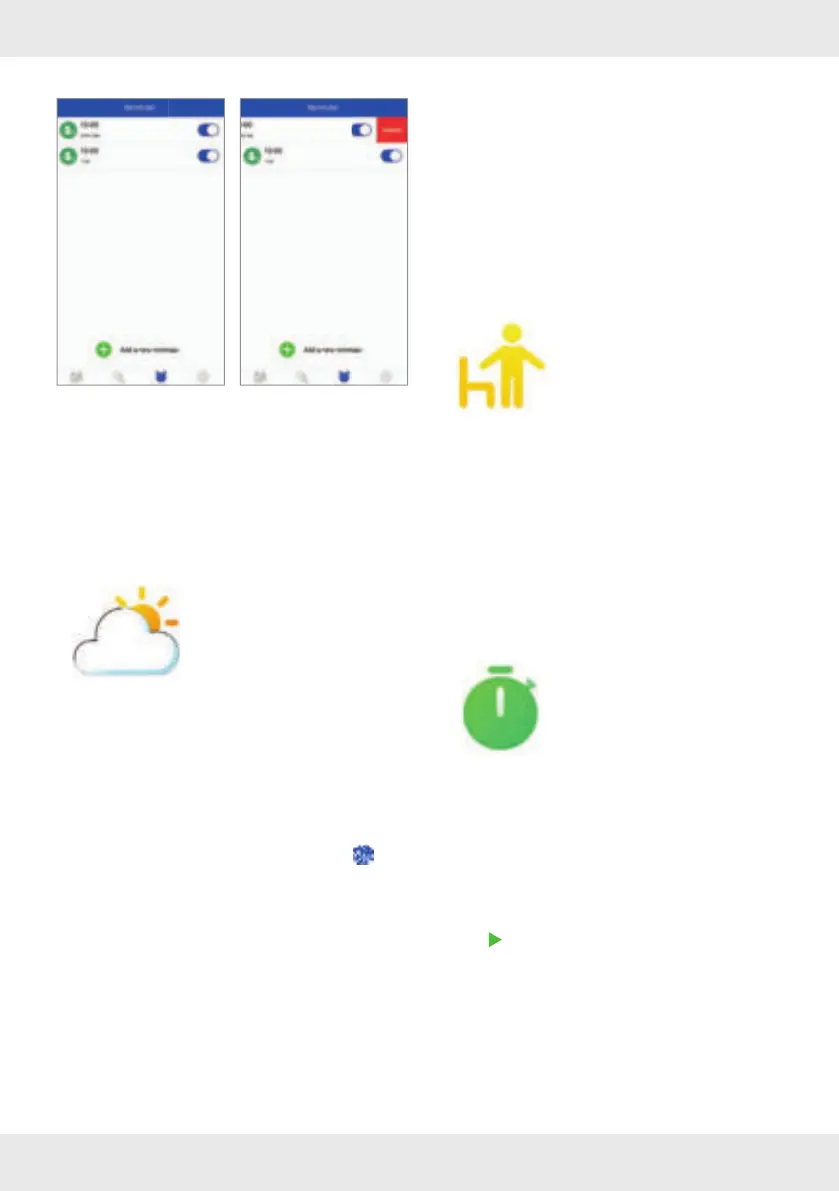
How to delete
iOS:
– Swipe left on the reminder.
– Tap Delete.
Android:
– Tap Edit.
– Tap ‒.
Weather
This function allows you to
view current weather data.
SilverCrest Watch App
To view the weather conditions on the display
[2]
of the smartwatch, you must fi rst enter your current
location in the app and then synchronise the app
with the product.
Open the SilverCrest Watch app on your
mobile device and open the Settings
menu.
Tap Weather.
Enter your current location to update the exact
weather conditions at your location.
Smartwatch
Briefl y press the button
[1] to activate the
display
[2].
Swipe left across the display
[2] to access the
mode overview.
Swipe down across the display
[2].
Tap Weather.
The weather data of the set location is
displayed.
Sedentary Reminder
This feature allows you to turn
a motion reminder on or off .
Smartwatch
Briefl y press the button
[1] to activate the
display
[2].
Swipe left across the display
[2] to access the
mode overview.
Swipe down across the display
[2].
Tap Sedentary.
Turn the reminder on or off .
Stop watch
Use this function to measure
times.
Smartwatch
Briefl y press the button [1] to activate the
display
[2].
Swipe left across the display
[2] to access the
mode overview.
Swipe down across the display
[2].
Tap Stop watch.
Tap
to start the stopwatch.



 To Next Page