17 GB/IE/NI
NOTE: If the symbol next to the displayed
app appears grey, this app is deactivated and
you will not receive any notifi cations on your
smartwatch.
Alarm/Reminder
This function allows you to turn
reminders on or off .
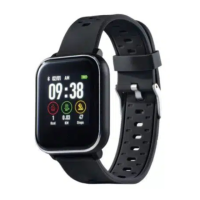
Smartwatch
Briefl y press the button
[1] to activate the
display
[2].
Swipe left across the display
[2] to access the
mode overview.
Swipe down across the display
[2].
Tap Alarm.
Tap + and add a new alarm.
You can select diff erent alarm types, the time
and repeat.
SilverCrest Watch App
NOTE: You can set up to 5 reminders in the
SilverCrest Watch app.
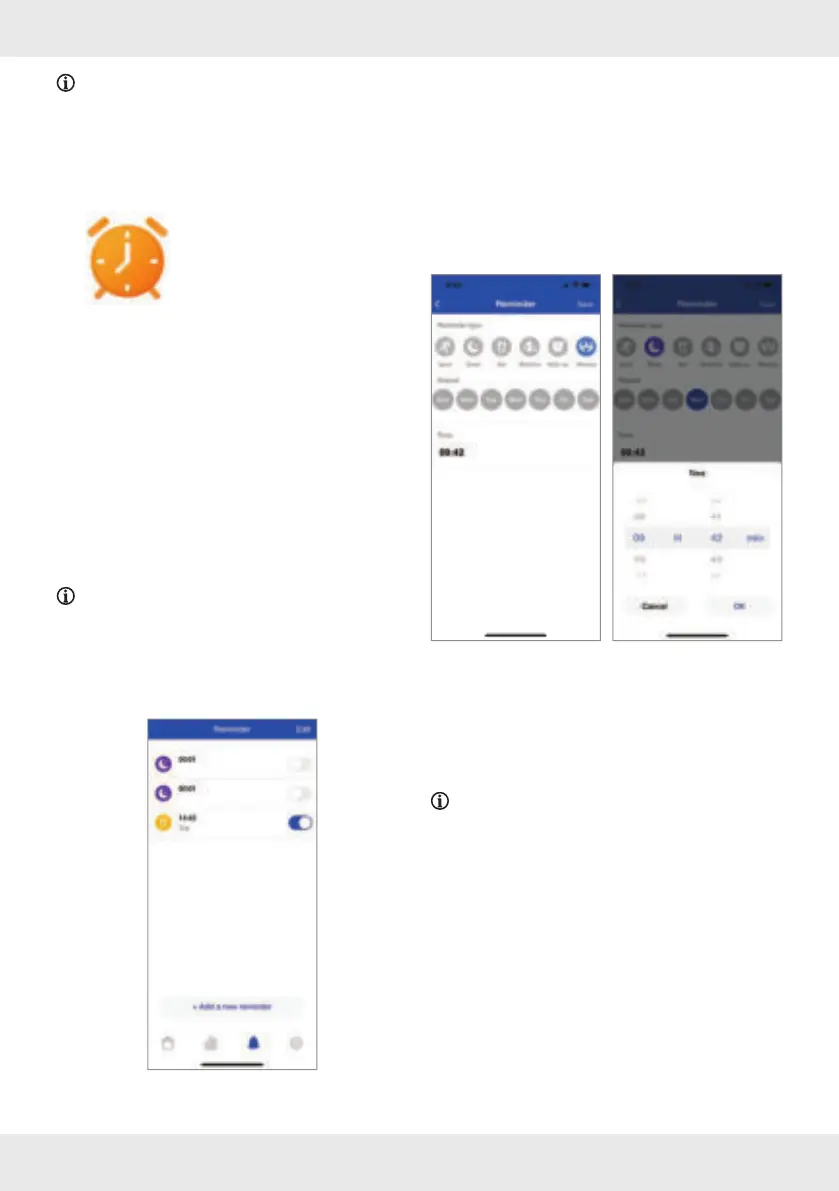
How to set
Open the app and enter the Reminder
function.
Add a new reminder:
Tap on + Add a new reminder.
Select the Reminder type:
– Sport
– Sleep
– Eat
– Medicine
– Wake up
– Meeting
Enter the day of week and the time of day. Tap
on OK to confi rm.
Tap on Save to activate the alarm. When the
alarm starts, a clock icon will be shown on the
display
[2] and the product vibrates.
NOTE: The setting will only be available after
the next synchronization of the product.



 To Next Page