18 GB/IE/NI
1. Install the side brushes[] [] in the
designated opening.
2. Verify the side brushes
[] [] are securely
attached.
Inserting/replacing batteries
(remote control)
NOTE: Remove the batteries from the
remote control
[] if it will not be used for an
extended period.
1. Loosen the screw on the battery
compartment cover on the back of the
remote control
[].
2. Remove the battery compartment cover.
3. Insert 2AAA batteries into the battery
compartment or replace the old batteries
with new ones. Heed the correct polarity as
indicated in the battery compartment.
4. Close the battery compartment with the
battery compartment cover.
5. Tighten the screw on the battery
compartment cover.
6. The display
[] lights up. The weekday[]
(SUN=Sunday), the clock[] (0:00) and
[] light up in the display.
Operation
NOTES:
o Do not switch off the product after it has
finished cleaning. Leave the product in the
charging dock
[5] so that it is ready for the
next cleaning session.
o If you switch off the product by setting the
on/off switch
[] to Oposition (off), the
time setting and vacuuming schedule will be
erased.
o Due to the complexity of domestic
environments, the product may skip some
areas when cleaning. For better cleaning
results, we recommend using the product
daily.
o Do not stand in the way of the product.
Otherwise the product is unable to clean this
area.
o When using the remote control[] to
control the product: Point the infrared signal
transmitter
[] of the remote control towards
the product.
Preparation
NOTE: The product can only clean the area
under a piece of furniture if the piece of
furniture has a clearance of at least 10cm to
the floor.
o Remove any obstacles prior to use, for
example mains/extension cords, toys and
other objects.
o Tuck rug edges under the rug. Make sure
that curtains and tablecloths do not touch
the floor.
o Position your furniture so that the product can
drive around or under the furniture to clean
as large an area as possible.
o Test the product in areas with stairs. This
allows you to check whether the product can
detect the edge of an area which it could
fall off.
To do so, place the product on a surface
next to a staircase. Activate the automatic
mode (see “Cleaning modes”). As soon as
the product approaches the staircase, be
ready to catch the product if necessary.
o If you have a multi-level residence, install rails
on the upper levels so that the product does
not fall down.
Cleaning
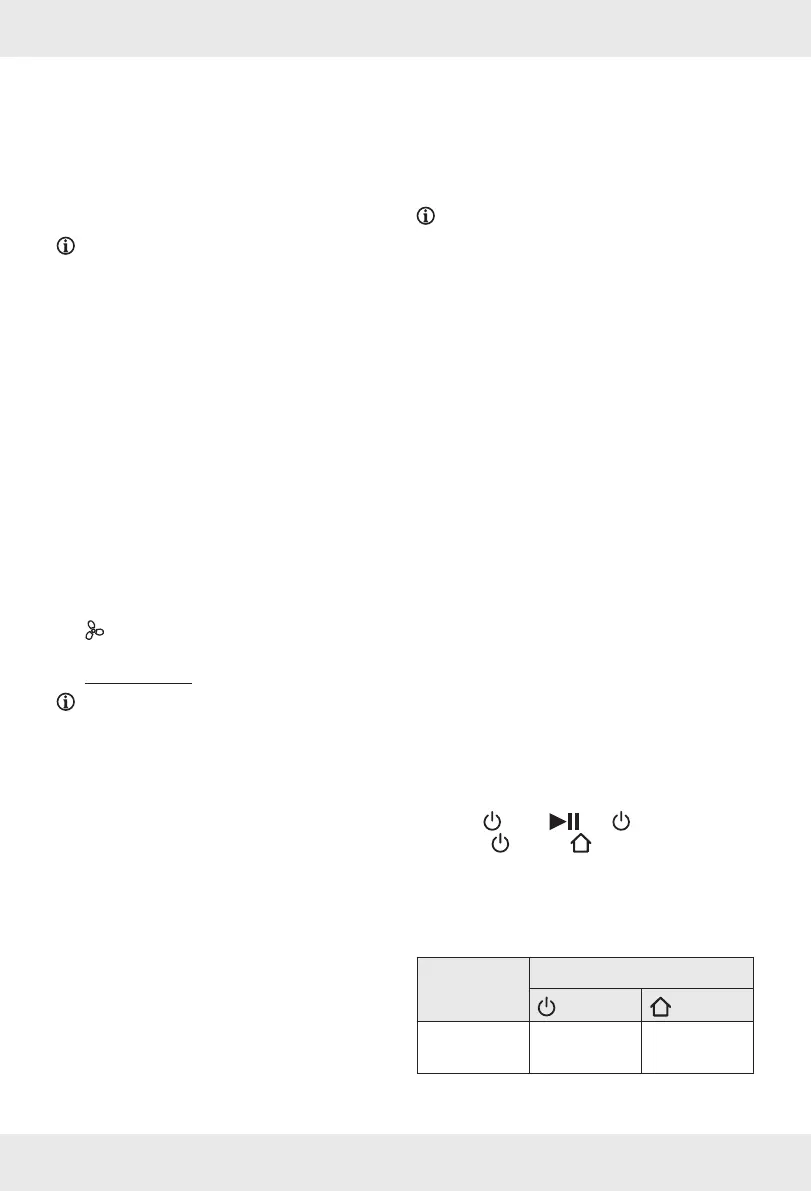
o Press [2] or []. lights up.
o When [2] and [3] light up white, the
product automatically starts cleaning.
Indicator lights on the
product
Action Indicator light
[2]
[3]
Cleaning Lights up
white
Lights up
white










 To Next Page