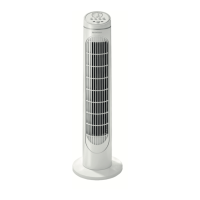
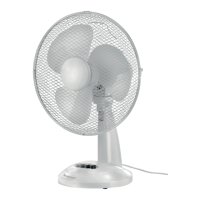
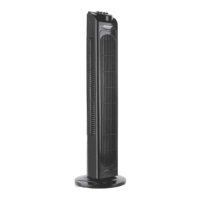
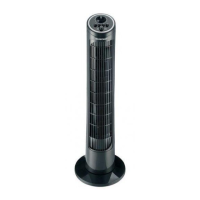
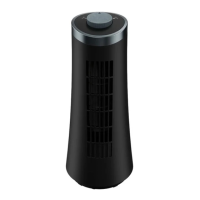
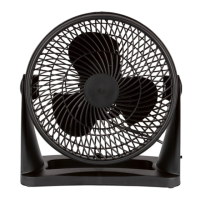
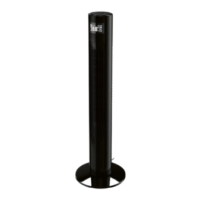
SilverCrest STVS 50 A1
22 - English
Table of Contents
1. Trademarks .................................................................................................. 23
2. Intended use ................................................................................................. 23
3. Package contents .......................................................................................... 23
4. Overview of the operating controls .............................................................. 24
4.1 The control panel (4, Fig. A) ...................................................................................................24
4.2 The fan (8, Fig. A) ....................................................................................................................24
4.3 Remote control (19, Fig. B) .....................................................................................................24
4.4 Display (9, Fig. C) ...................................................................................................................25
5. Technical specifications ................................................................................. 26
5.1 Information requirements .........................................................................................................26
6. Safety instructions ......................................................................................... 26
7. Copyright ...................................................................................................... 30
8. Before you start ............................................................................................ 31
8.1 Unpacking ................................................................................................................................31
8.2 Mounting ..................................................................................................................................31
8.3 Remote control (19) - inserting the battery.............................................................................32
9. Getting started .............................................................................................. 33
9.1 Switching the fan (8) on and off .............................................................................................33
9.2 SPEED - Setting the fan speed .................................................................................................33
9.3 MODE - Selecting the fan mode .............................................................................................33
9.4 Setting the TIMER .....................................................................................................................33
9.5 OSC – Switching oscillation on/off .......................................................................................34
9.6 Establishing WiFi connection ..................................................................................................34
9.7 Controlling the fan from the app ............................................................................................34
10. Maintenance/cleaning ................................................................................ 35
11. Storage when not in use ............................................................................. 35
12. Environmental regulations and disposal information .................................. 36
13. Conformity notes ........................................................................................ 38
14. Data protection/internet safety .................................................................. 38
15. Warranty and service information .............................................................. 39


 To Next Page
 Loading...