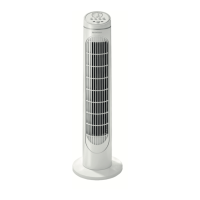
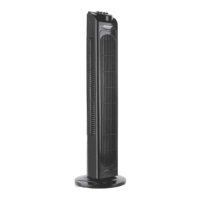
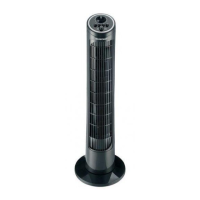
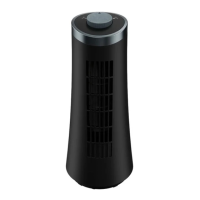
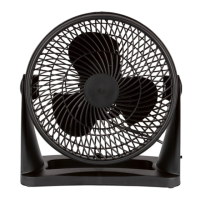
SilverCrest STVS 50 A1
24 - English
4. Overview of the operating controls
On the inside of the cover, the fan (8) is shown with figures indicated. The meanings of the numbers are as
follows:
4.1 The control panel (4, Fig. A)
1
MODE button - Select fan mode
2
TIMER button – Set the TIMER function or the TIMER time
3
SPEED button
4
Control panel
5
POWER button (Switch on/off)
6
WIFI button (Activate/deactivate WiFi function)
7
OSC button (Activate/deactivate swivel function)
4.2 The fan (8, Fig. A)
8
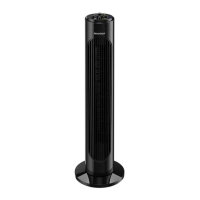
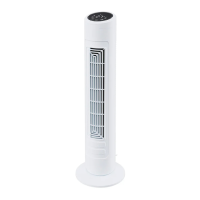
Tower fan
9
Display
10
Safety guard/Ventilation grille
11
Back half of stand
12
Front half of stand
13
Stand (consisting of parts 11 and 12)
14
Power cable
15
Storage compartment (for remote control, on rear)
31
Fig. E > Fixing screws for base (4 units)
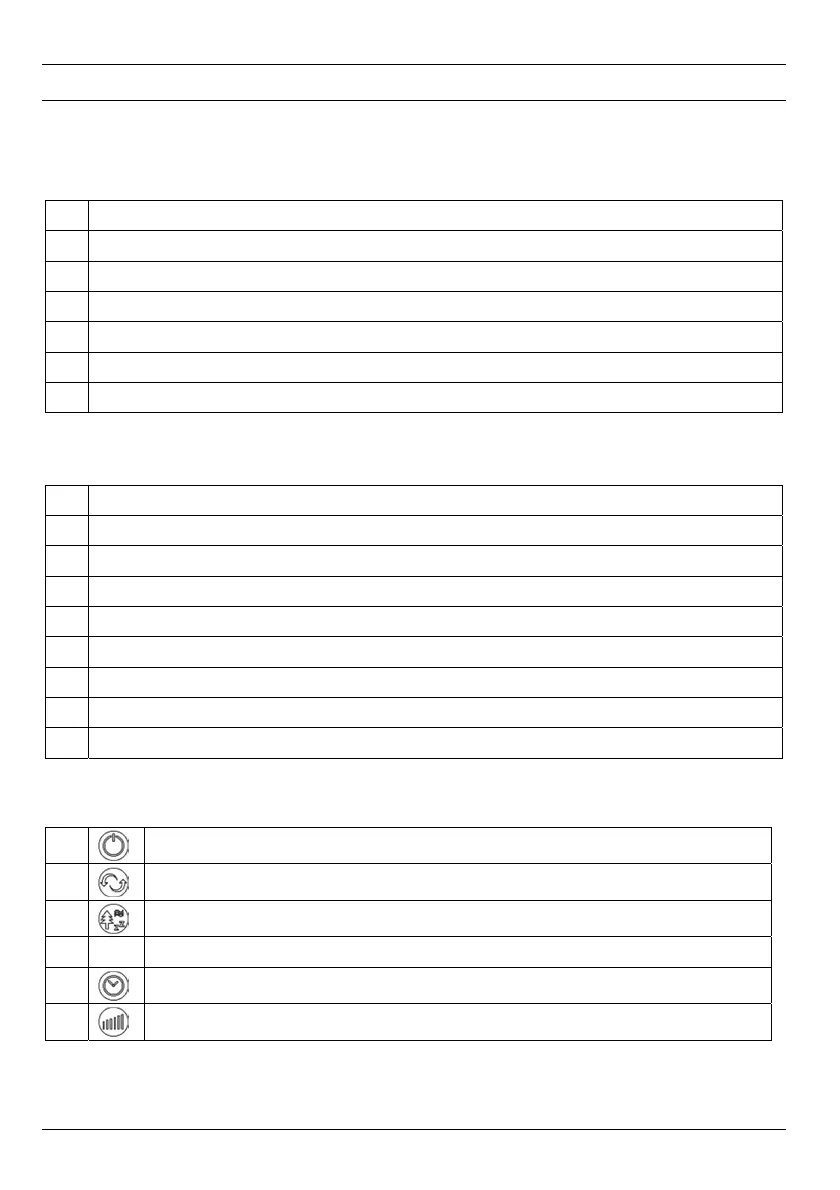
4.3 Remote control (19, Fig. B)
16
POWER button (Switch on/off)
17
OSC button (Activate/deactivate swivel function)
18
MODE button – Select fan mode
19
Remote control
20
TIMER button- Set the TIMER function or the TIMER time
21
SPEED button - Toggle fan speed


 To Next Page
 Loading...