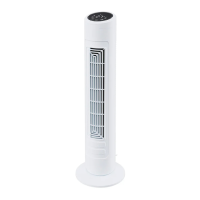
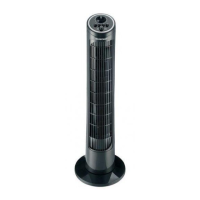
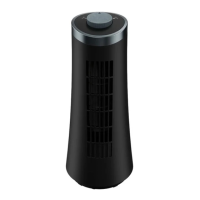
SilverCrest STVS 50 A1
34 - English
9.5 OSC – Switching oscillation on/off
You can get the fan (8) to oscillate horizontally:
• Press the OSC button (7) to switch oscillation on. The symbol (29) appears on the display (9).
• Press the OSC button (7) again to switch oscillation off. The symbol (29) on the display (9) goes
out.
9.6 Establishing WiFi connection
The symbol (25) on the display (9) needs to be flashing in order to establish a WiFi connection.
There are 2 options here:
• After you plug in the power plug, the symbol (25) flashes and the fan is in connection mode for
approx. 3 minutes.
• Alternatively, you can reset the device by pressing and holding the WIFI button (6) for at least 3
seconds (until a beep sounds) and put it into connection mode.
After approx. 3 minutes, connection mode lapses and it must be restarted if necessary.
Please note:
Resetting the device does not delete any data from the cloud.
9.7 Controlling the fan from the app
You also have the convenient option of controlling the fan using an app.
The control functions in the app are the same as the controls on the device.
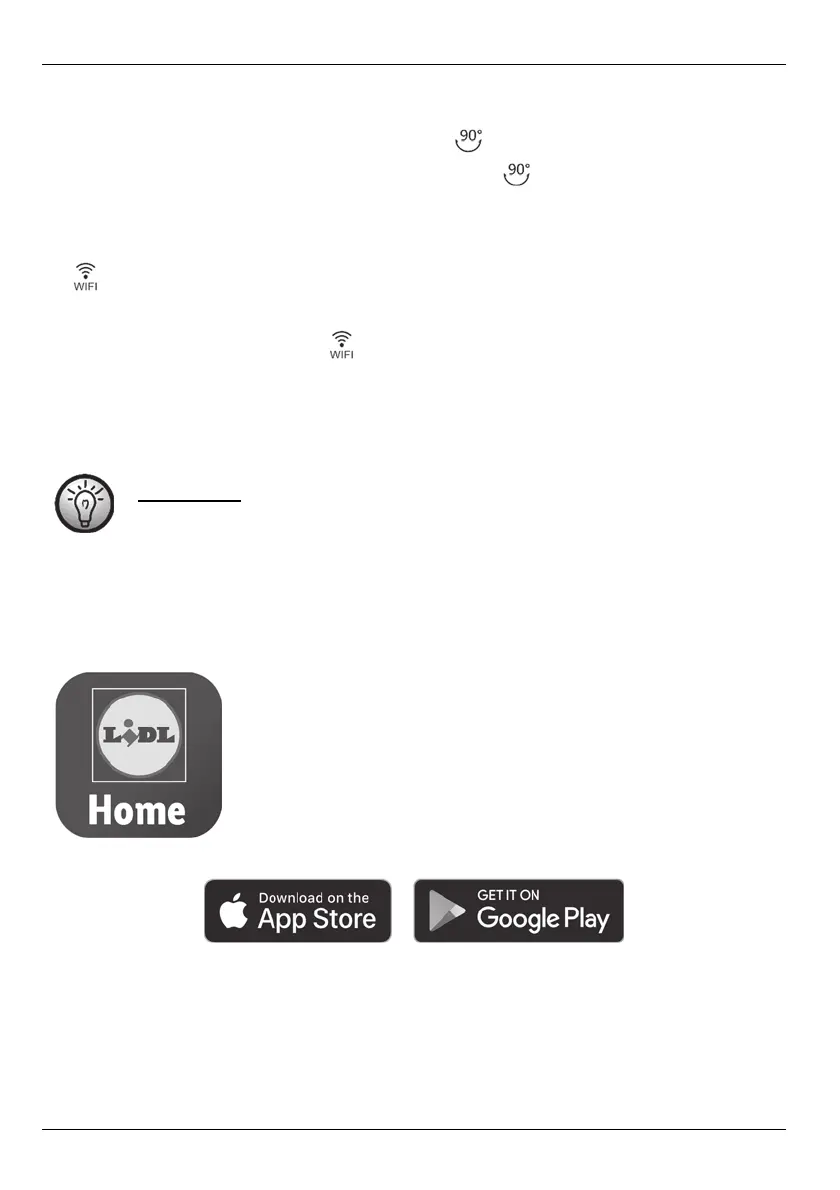
Control and settings for this product are done from the
LIDL HOME app.
Use the following link to download the app suitable for your mobile device:
To add the fan (8) to the app, you need to activate the WIFI function on the fan (8).
Now start the app and add the fan (8).
You can now control the fan (8) either via the app, directly on the fan (8) or using the remote control (19).


 To Next Page
 Loading...