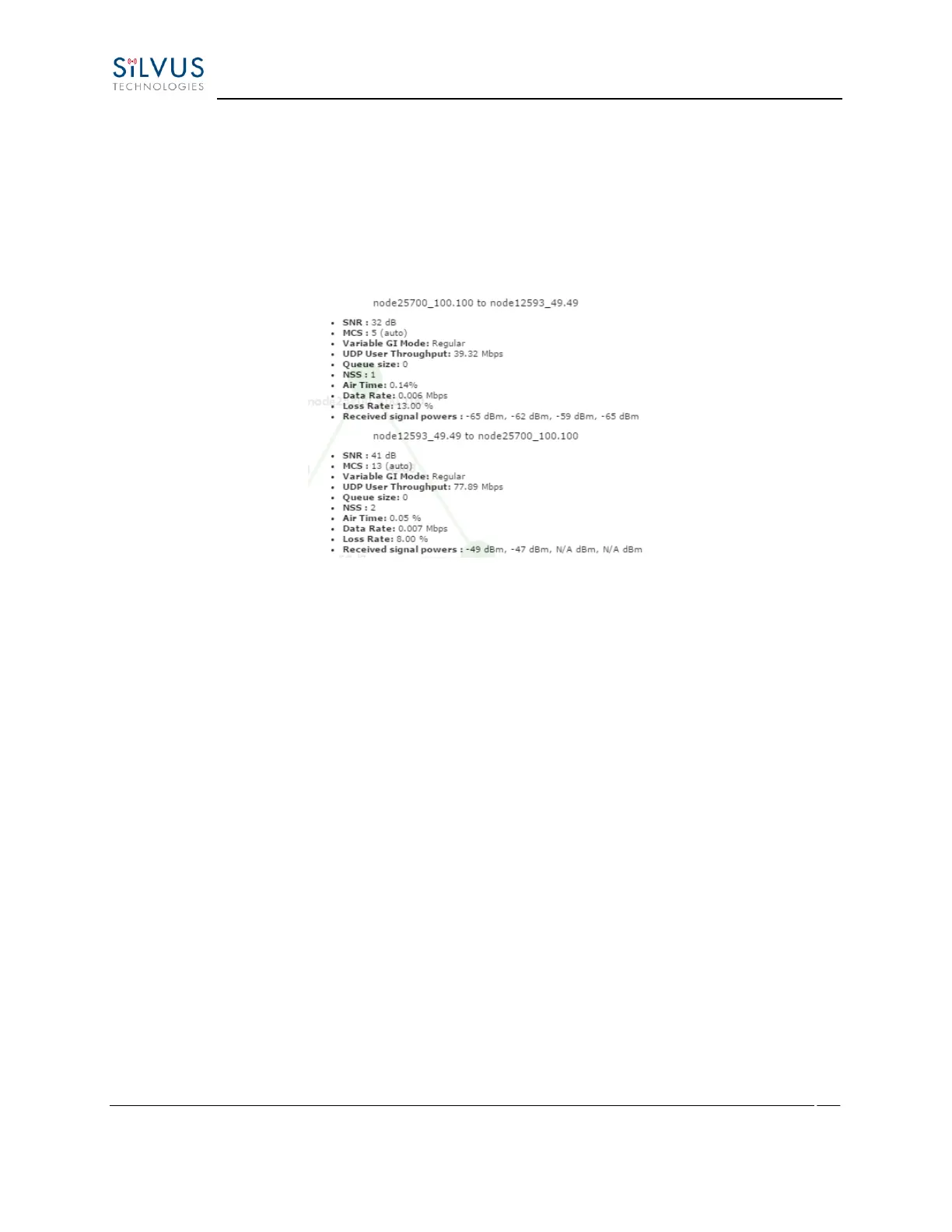
o Data Rate: Data rate in each direction
o Data Loss Rate: Percentage of data lost during transmission
o Received Signal Powers: Received signal power for each antenna in each direction.
Figure 60 Link Characteristics
• Send Traffic Between Nodes – Users can send test traffic across radios within a network
using the built-in iPerf feature. This feature can be accessed by clicking the blue bar at the
top of the topology view, titled “Send traffic between nodes”. This will open up a drop
down menu where users can specify UDP/TCP data, source/destination, port, time to
send, and datagram size.
o Source: Radio that sends data (Client)
o Destination: Radio that is listening (Server)
o Destination port: Port number for the data transfer
o Time to Send: Amount of time user wants to send data
o Bandwidth to Send: Data rate to send, in Mbps
o Datagram Size: Size of the datagram
o Effective Bandwidth: The actual network load.
o Jitter: The variation in delays in the received packet.
o Lost/Total Datagrams: The amount of packets lost vs total packets sent



 To Next Page