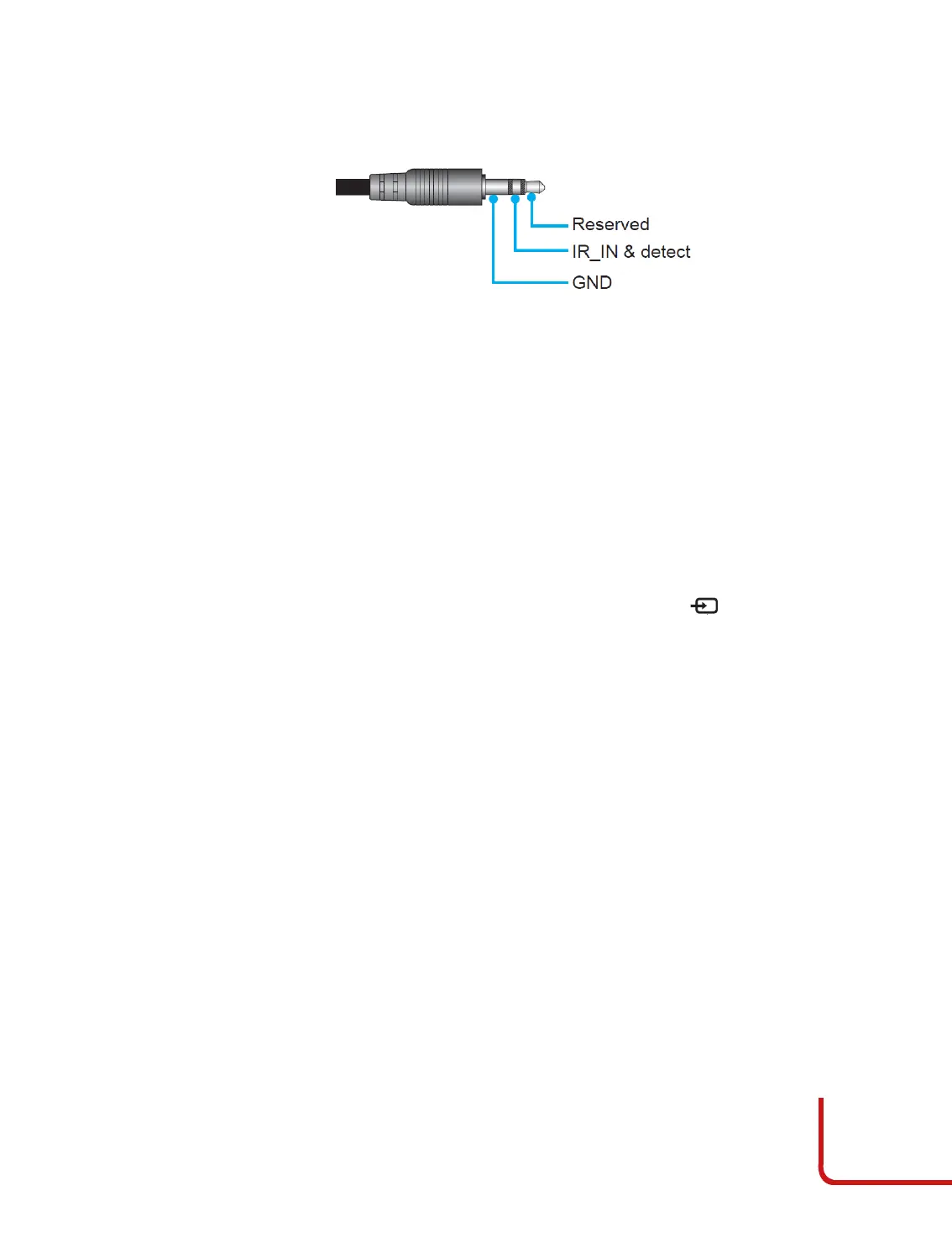
Trigger 12V
Some Home Theater devices can be controlled through a 12V signal.
The projector can output a 12V (500mA) signal.
Choose “O” to disable the trigger and “On” to enable it.
Options
Set the IR function setting.
•
Language: selects the desired OSD language. It can display the menus in
Multilanguage. Use or to select your preferred language.
Press to finalize the selection. Select a language between English, Spanish,
French, German, Portuguese, simplified Chinese, Italian, Russian.
•
Menu Settings: Set the menu location on the screen and configure menu timer
settings.
•
Menu Location : select the menu location on the display screen. There
are 5 possible positions, the 4 corners and the center.
•
Menu Timer: set the duration where the OSD menu stay visible on the
screen. Select “O” to keep the OSD menu, until you change the OSD status,
pressing a button in the remote control or keypad. Select 5 or 10 seconds to
insert a countdown timer.
•
Auto Source: If you set this option “On” and press the button on the projector
keypad, then the next available input source is selected automatically. Set “O”
to disable auto source function.
•
Input Source: select the input source between HDMI1, HDMI2, HDMI3, VGA, and
DisplayPort.
•
High Altitude: when “On” is selected, the fans will spin faster. This feature is
useful in high altitude areas where the air is thin.
•
Display Mode Lock: choose “On” or “O” to lock or unlock adjusting display
mode settings.
•
Keypad Lock: when the keypad lock function is “On”, the Keypad will be locked.
However, the projector can be operated by the remote control. By selecting “O”,
you will be able to reuse the Keypad.
•
Information Hide: select “On” to hide the info message or choose “O” to show
the “Searching” message.
•
Logo: use this function to set the desired startup screen. If changes are made,
they will take eect the next time the projector is powered on. Select “Default” for
the SIM2 startup screen or “Neutral” to do not have the logo displayed on startup
screen.
•
Background Color: use this function to display a blue, red, green, grey color, or
none when no signal is available.



 To Next Page