Control unit
1 Keys
ON/OFF- key
Changing, increasing settings
The value is increased by one digit per key depression.
A quicker change is possible by keeping the key depressed.
Changing, reducing settings
The value is reduced by one digit per key depression.
A quicker change is possible by keeping the key depressed.
Adopting and storing changes
The display flashes briefly indicating that the changed
valuehas been stored correctly.
Selecting setting ranges
The function number or parameter number is displayed by
pressing the key and keeping it depressed. The set value
is displayed on releasing the key.
Every key depression effects a jump to the next
function/parameter mode. It is not possible to jump back.
The functions ( C ) already have a works setting which can
be changed (refer to page 6 - 8).
The parameters ( P ) appear when the control unit is energized. They must be
entered by the customer. The plant is then ready to convey on pressing the
key. The maximum setting range lies between 0.00 and 300.
2 Display and LEDs
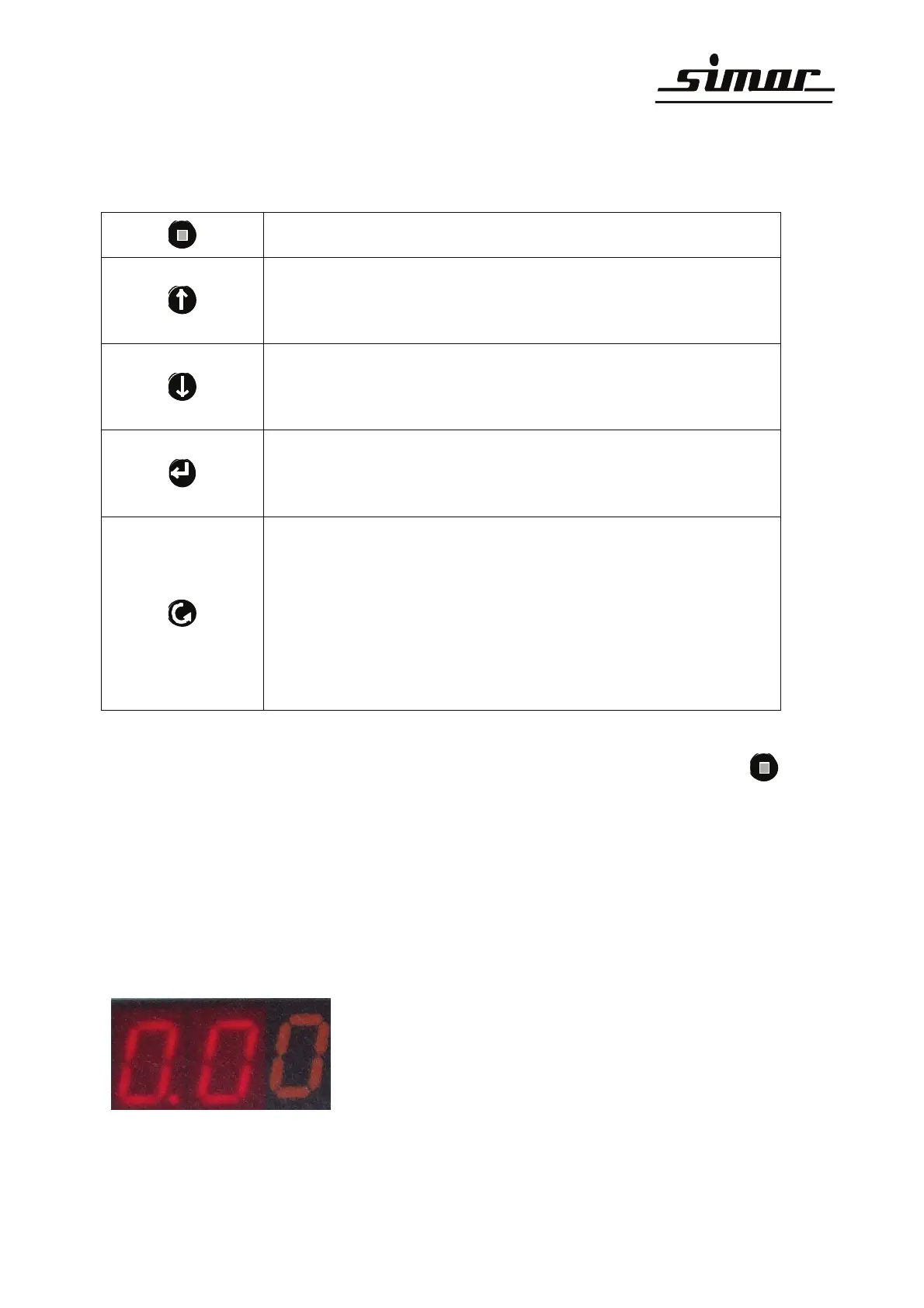
The individual operating states are indicated on the display with 2-seven segment
displays and LEDs 1 - 5.
Display with seven segments
The first two digits can be changed.
The third digit is static.



 To Next Page