09
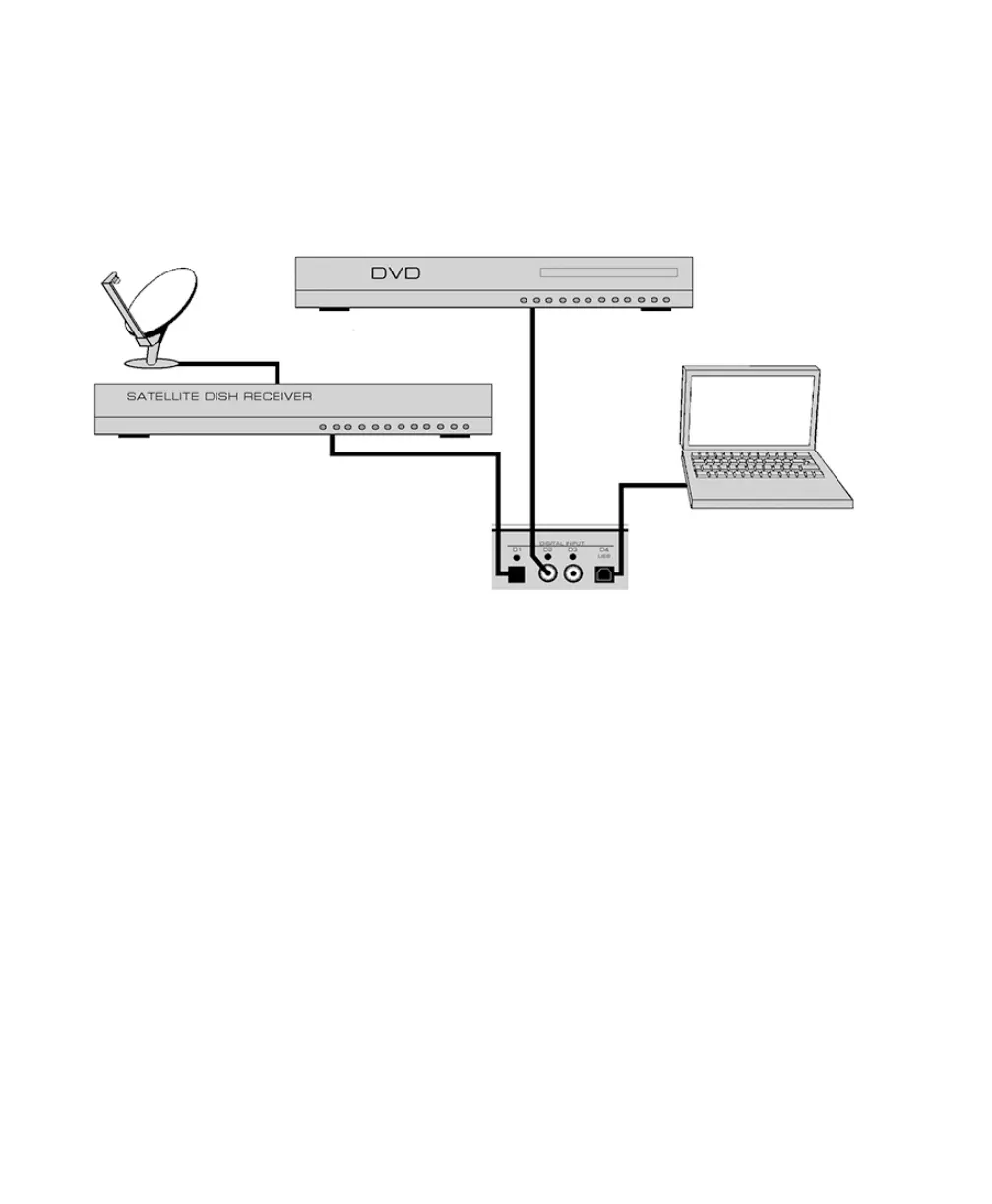
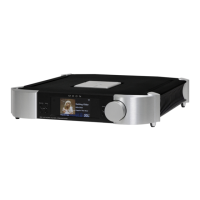
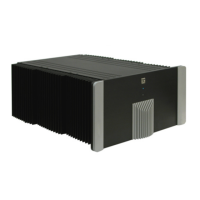
Figure 2: MOON 340i Optional Digital Inputs – connection examples
Optional Digital Inputs
The Digital Input option includes four (4) separate inputs: “D1” uses an optical Toslink connector,
“D2”and “D3” use S/PDIF on an female RCA connector and “D4” uses a type-B USB connector.
The“D1”is intended for use with a source equipped with a TosLink digital output such as a satellite
dish receiver; The “D2” and “D3” inputs are intended for use with a source equipped with a S/PDIF
digital output such as a DVD player, music server or disc transport. The “D4” input is for use
withacomputer equipped with a USB connector and music player software such as iTunes or Winamp;
Youcannot connect a USB flash drive or external hard drive to to the “D4” input.
When you select one of the digital inputs as described in the aforementioned section, the display
window will show which of the four digital inputs is selected. At the same time, the right side
ofthedisplay window will initially show four dashes as follows “----” which indicate that the 340i
isinthe process of locking onto the external digital signal – this may take several seconds.
Whenthe340i successfully locks onto the digital signal, the four dashes will be replaced
bythesampling rate of this digital signal. When the signal cannot be locked onto, “----”
remainsinthedisplay window.


 To Next Page