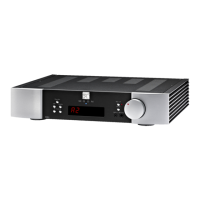
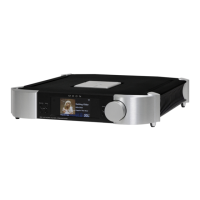
Get to know your MOON 791
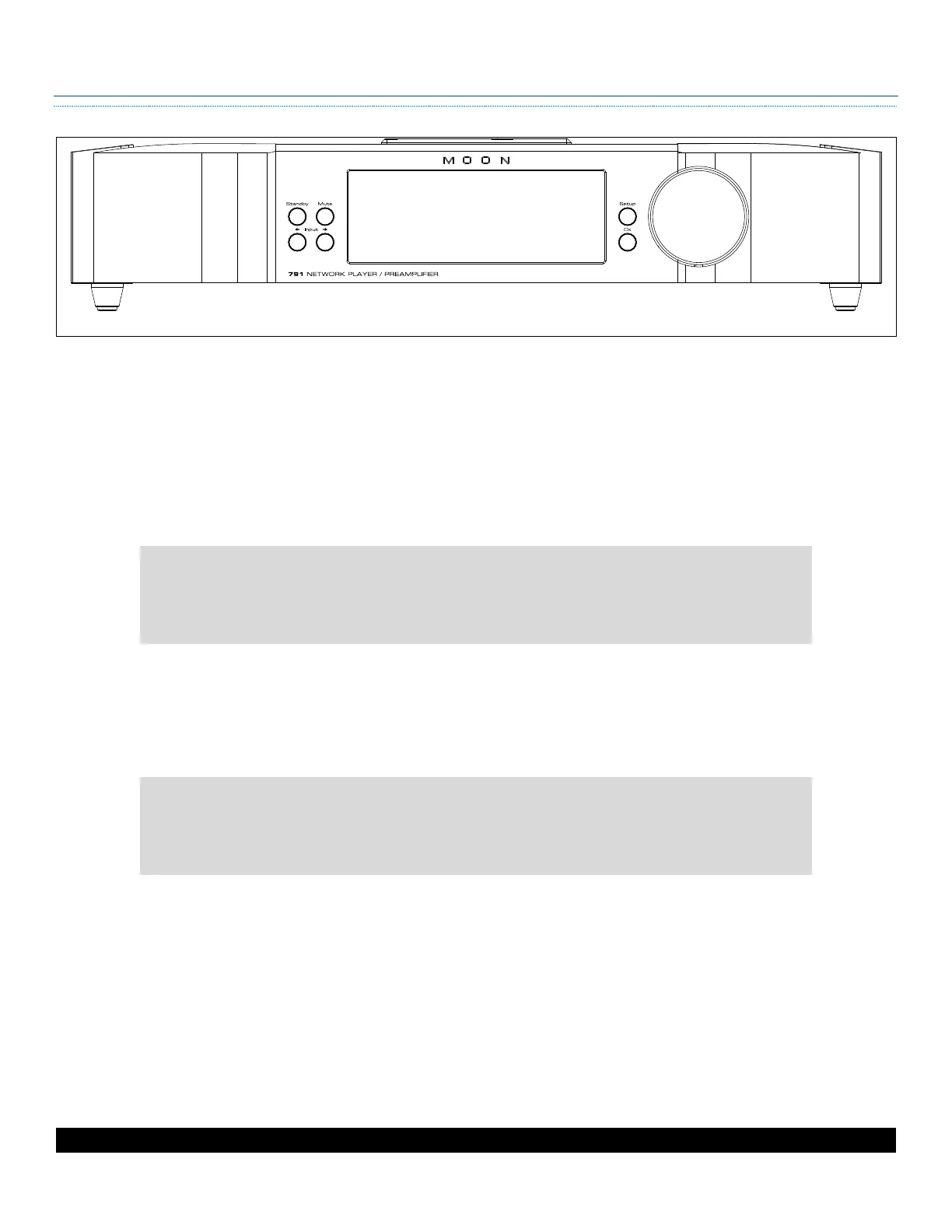
Front Panel
Standby
toggles the device between active and inactive modes when the device is powered on
Mute
cuts and restores the audio signal to all outputs
Adjusting the volume also restores muted audio.
Input
scrolls and through available inputs
The display provides useful feedback about the state of the preamp.
• It identifies the active input and volume of the preamplifier and the
sample rate of the DAC. On the MiND input, it can identify the file.
•
It also serves as the visual interface for the configuration menu.
Setup
accesses the extensive configuration menu to personalize the device
OK
selects or confirms on-screen prompts
The
adjusts volume and interfaces with the configuration menu.
• Rotating the knob adjusts the volume in 1.0 dB increments between 0 and
20, and in 0.5 dB increments between 20 and 80.
•
The knob also navigates the interface for the configuration menu.


 To Next Page