110
ENG
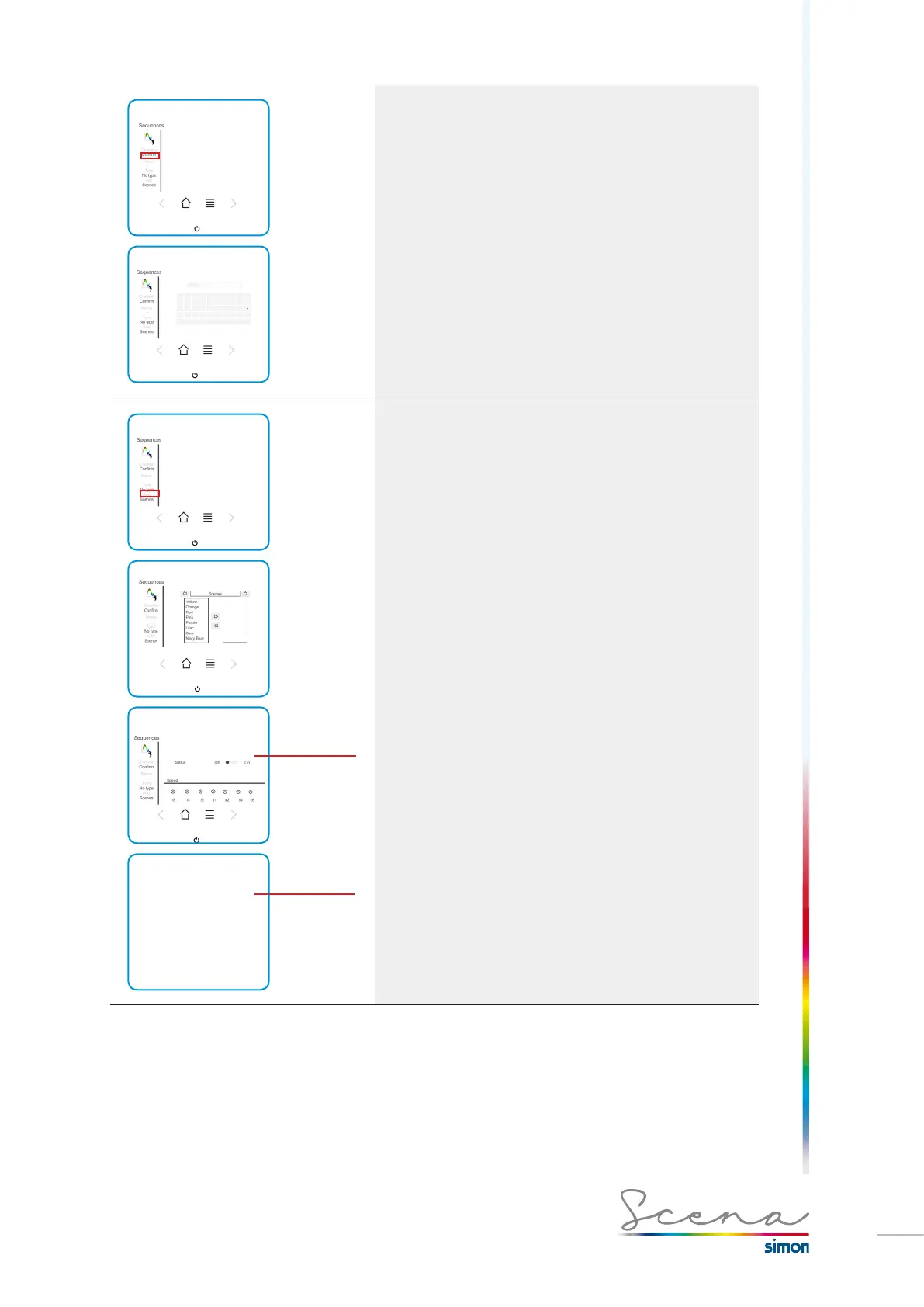
Name of the sequence
We have a maximum of 9 characters for the desired group
name. From A-Z and from 0-9.
Activar o
desactivar la
secuencia
Modificar
parámetros
Pantalla
avanzada
Add Scenarios
Enables us to add scenarios to the sequence. Scenarios
created previously must be enabled to be used in sequence
(Scenario>Standard>Sequential).
Scena enables us to modify the configuration of the sequence,
both in “General” and in “Advanced” fashion.
On the general screen, the sequence can be activated or
deactivated and its speed changed.
In the advanced screen, we can modify the different characte-
ristics of each sequence.
· Transit time: Time associated with each scenario of the
sequence. In mode 3 this time is 0.
· Set time: Up and down time of each scenario.
· Total duration: Total time of the sequence.



 To Next Page