111
ENG
5.10 Creation of sensors
A sensor in Scena is a device capable of detecting a 230V electrical signal issuing from a detector.
In order to create a sensor, we need a Scena module (Digital signal converter module) and we need to have
registered a “digital” type channel.
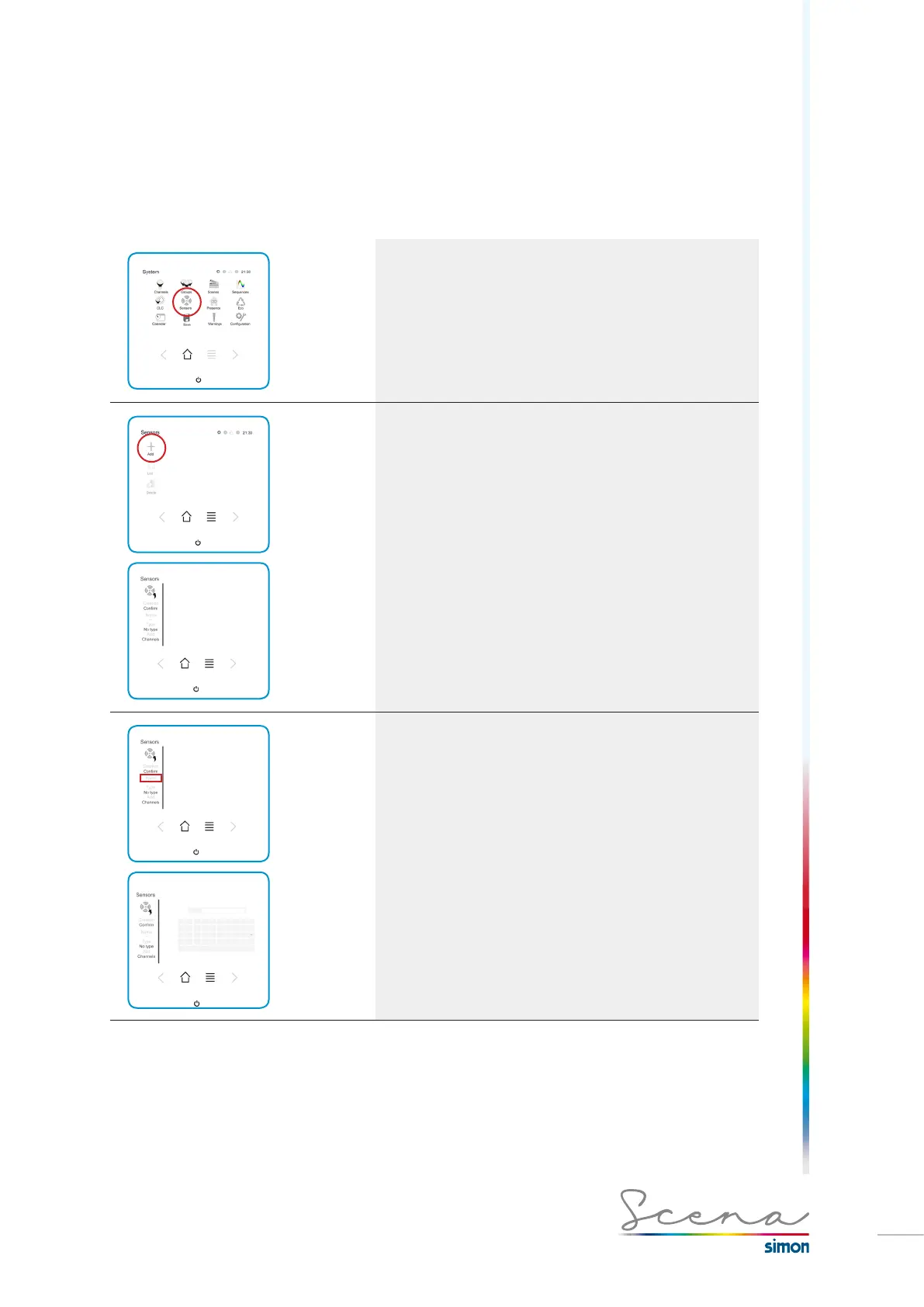
If we access Sensors in the System screen, we access a
screen on which the sensors will appear. If we are in installer
mode, we can register or modify a sensor.
To add a sensor, press “Add”. To register a sensor in Scena,
follow the below steps.
1. Name of the sensor
We have a maximum of 9 characters to define the name. From
A-Z and from 0-9.



 To Next Page