93
ENG
5. User manual
For a successful installation with Scena, follow these instructions, which will help you to achieve your objective
quickly and successfully.
An installation with Scena may involve a great number of functionalities depending on its requirements:
Creation of Channels
Creation of Groups
Creation of Scenarios
Creation of Sequences
Creation of CLCs
Calendar....
Although not all the above steps are necessary for an installation with Scena. The only vital step is
Creation of Channels.
For easy programming, you must be sure about the following points:
All the installed loads that will be controlled by Scena
Address of each load installed
The type of load and regulation. (1-10, RGB, ON-OFF)
5.1 Introduction to Scena
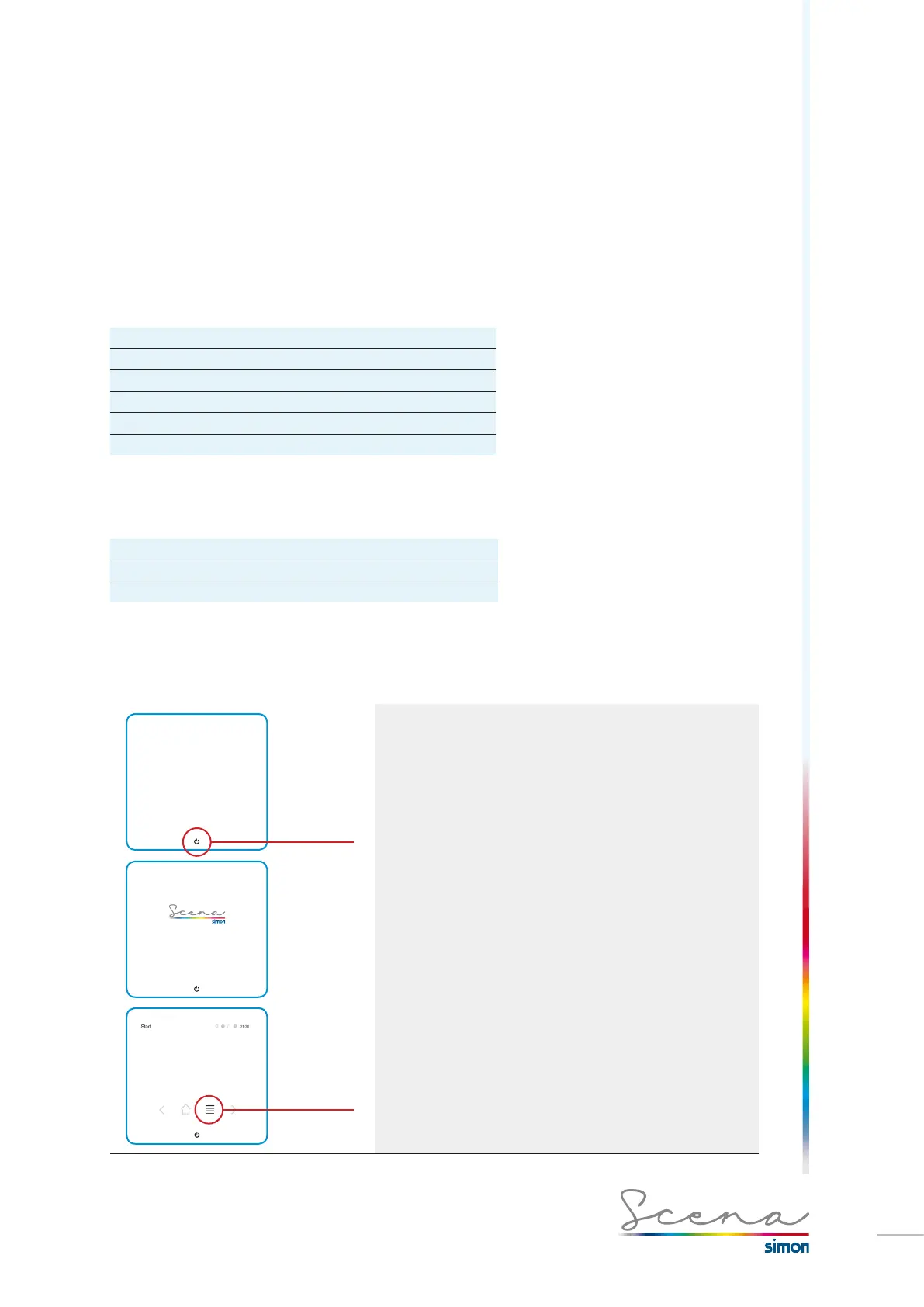
Before exploring the user manual, we will detail the most general Scena screens.
Push ON/OFF
Direct access
By pressing
the “list” icon
we access
the System
screen.
Console standby screen, by pushing ON/OFF we access
the User’s Start screen. This screen enables the user to modi-
fy the direct accesses that have been included in this screen
in installer mode (see further on).
*By pressing the “list” icon we access the System screen.



 To Next Page