SimPal-G400 4G Alarm Camera User Manual
22
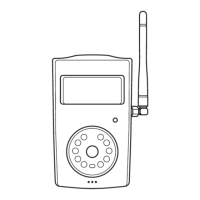
Mounting the camera
Camera can be mounted on a wall (vertically with the screws) or put down on any suitable
horizontal surface.
How to choose the Installing place:
In order to capture better image quality, avoid any areas where bright light will be
irradiated directly into the lens of the camera on the camera.
In order to avoid backlighting photography, it is suggested that the camera is located
at the place where can look down the monitoring place with the minimum angel 30°.
The 4G network’s signal strength may affect the images transmission. Therefore, upon
installation, the user should ensure that camera is located in an area with a strong
network signal.
After installation, the user should perform a test-run by taking several images and
sending it to the user’s mobile phone. This allows the user to check the image quality
of the camera.


 To Next Page