SimPal-G400 4G Alarm Camera User Manual
41
4.11 LED status indicator
LED status indicator will display in different ways to show the working status. It can turn
off LED to make camera not noticeable at night.
Master or User sends following SMS message in order to:
LED status indicator - ON (default): #31#0#
LED status indicator - OFF: #31#1#
4.12 Night vision LED lights
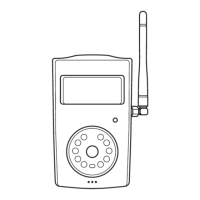
There are 10pcs LED light help lighting when capture images in dark environment.
Master or User sending following SMS to set
Night vision LED lighting: #18#mode#
Mode represent LED working mode, There are three mode of LED lighting:
1 means “Auto mode”, LED will auto turn on when camera detect dark environment.


 To Next Page