8
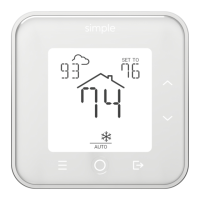
You can select whether Heat or Cool is provided using the circular MODE
button. The MODE button cycles sequentially through the available modes.
Only the modes supported by your system are shown. For example, a
furnace-only installation alternates between OFF and HEAT when the
MODE button is pressed. A conventional system with both heating and
cooling will cycle through OFF, HEAT, COOL, and AUTO each time MODE is
pressed.
If your system supports both heating and cooling, Auto Mode is a
convenient setting to automatically switch between Heat and Cool mode.
Changing Modes


 To Next Page