26
Reset to Factory Settings
A full reset to original settings can be performed using the Advanced
Menu RESET.
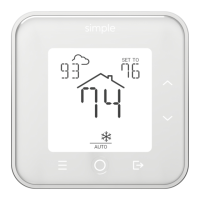
Press and hold both the MENU and MODE buttons for 5 seconds to enter the
Advanced Menu.
Press DOWN until RESET is shown.
Press MODE and CONFIRM will start ashing.
Press and hold MODE for 5 seconds when CONFIRM is ashing. All Wi-Fi
and heating/cooling system conguration are cleared.
If you wish to perform a conventional reset, press the MODE button without
holding it down.
WARNING: After this step, your thermostat will NOT be connected
to Wi-Fi, and may not be congured properly to operate your
system.


 To Next Page