15
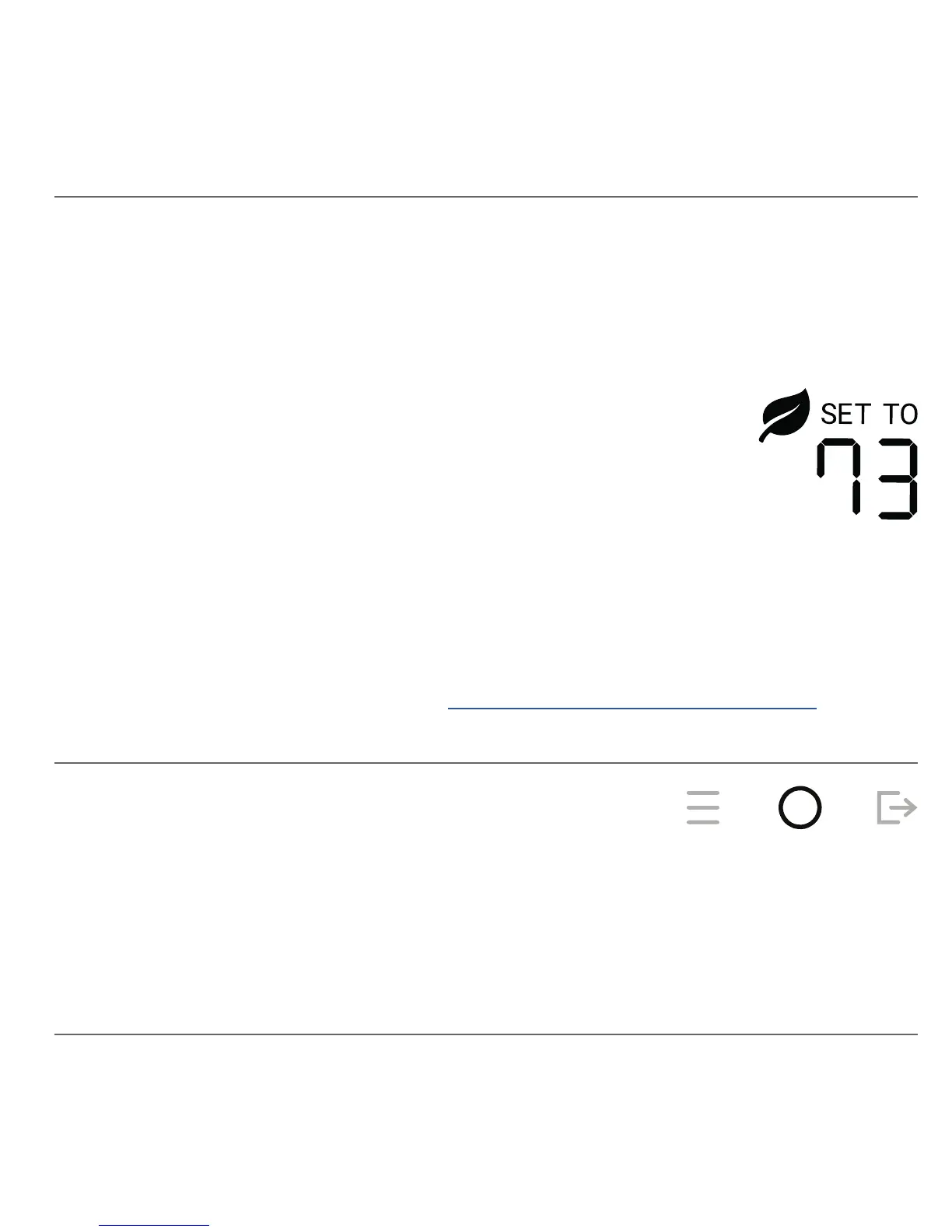
Your account can be congured with an energy efciency program that
makes automated adjustments to your temperature settings.
When these changes are applied, the Leaf indicator is
shown along with the current temperature setting.
When your schedule is enabled, the HOLD UNTIL time
shows the next schedule interval. Further automatic
adjustments may continue until that time.
You can continue to make adjustments using the UP or DOWN buttons.
However the Leaf indicator is turned off when you change to a less efcient
temperature. The Leaf indicator is also turned off when you enter Away.
For more information, please visit: www.thesimple.com/support/ee
Energy Efciency
When your schedule is enabled, pressing the MODE button cancels the
current Energy Efciency settings and returns to the temperature setting of
your schedule.
Canceling Energy Efciency


 To Next Page